fTool Battery Monitor Icon
7-day Free Trial
Utilities & Tools • Bluetooth • Windows 10 / 11

fTool Battery Monitor

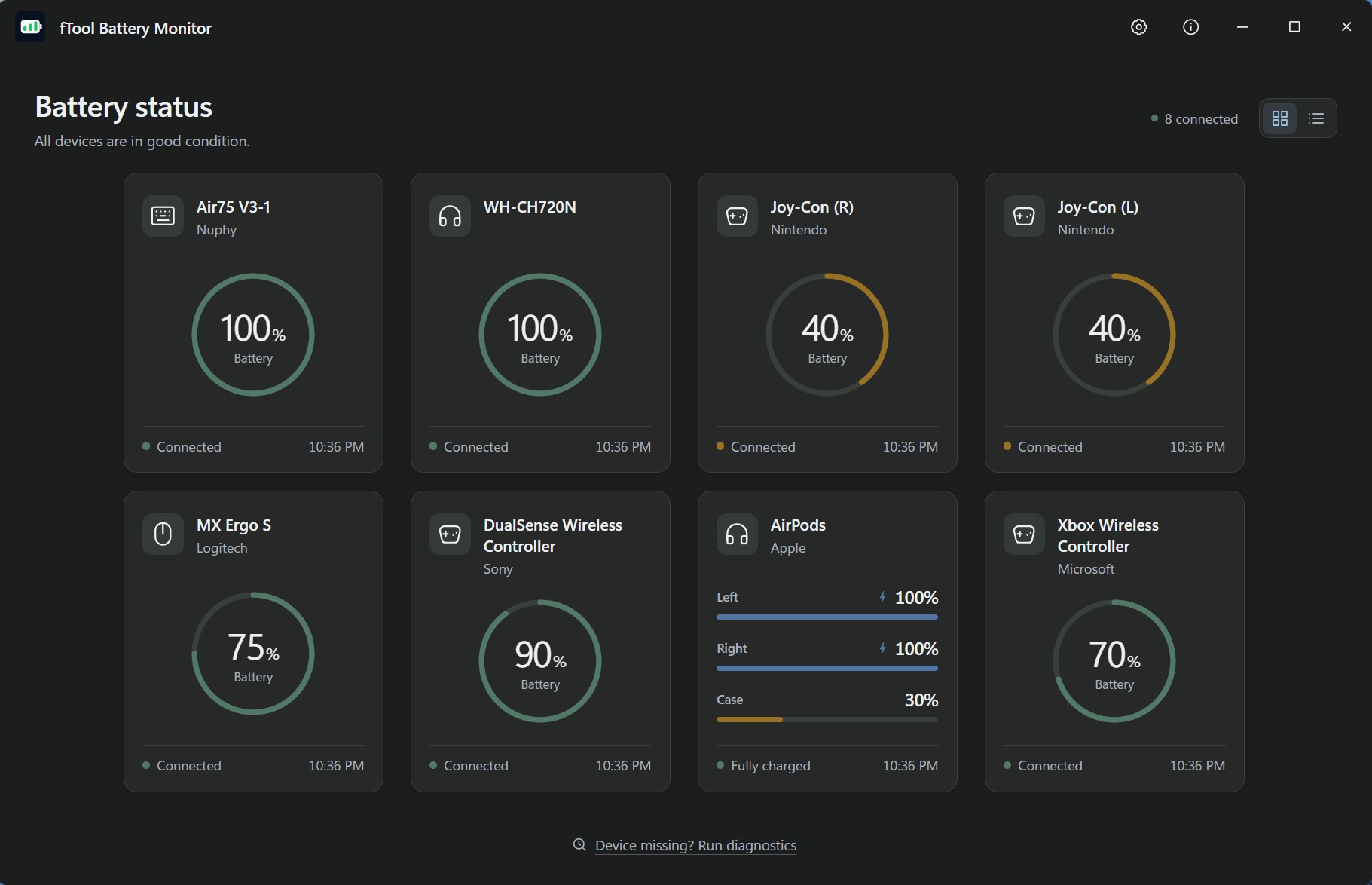
Your controller dies in the middle of a game. Your earbuds run out of power during an important call. fTool Battery Monitor brings the battery levels of your wireless devices together in one clear, elegant dashboard — AirPods, game controllers, Bluetooth headphones, wireless mice, and keyboards — and alerts you before the battery runs out.

Get it from Microsoft Store
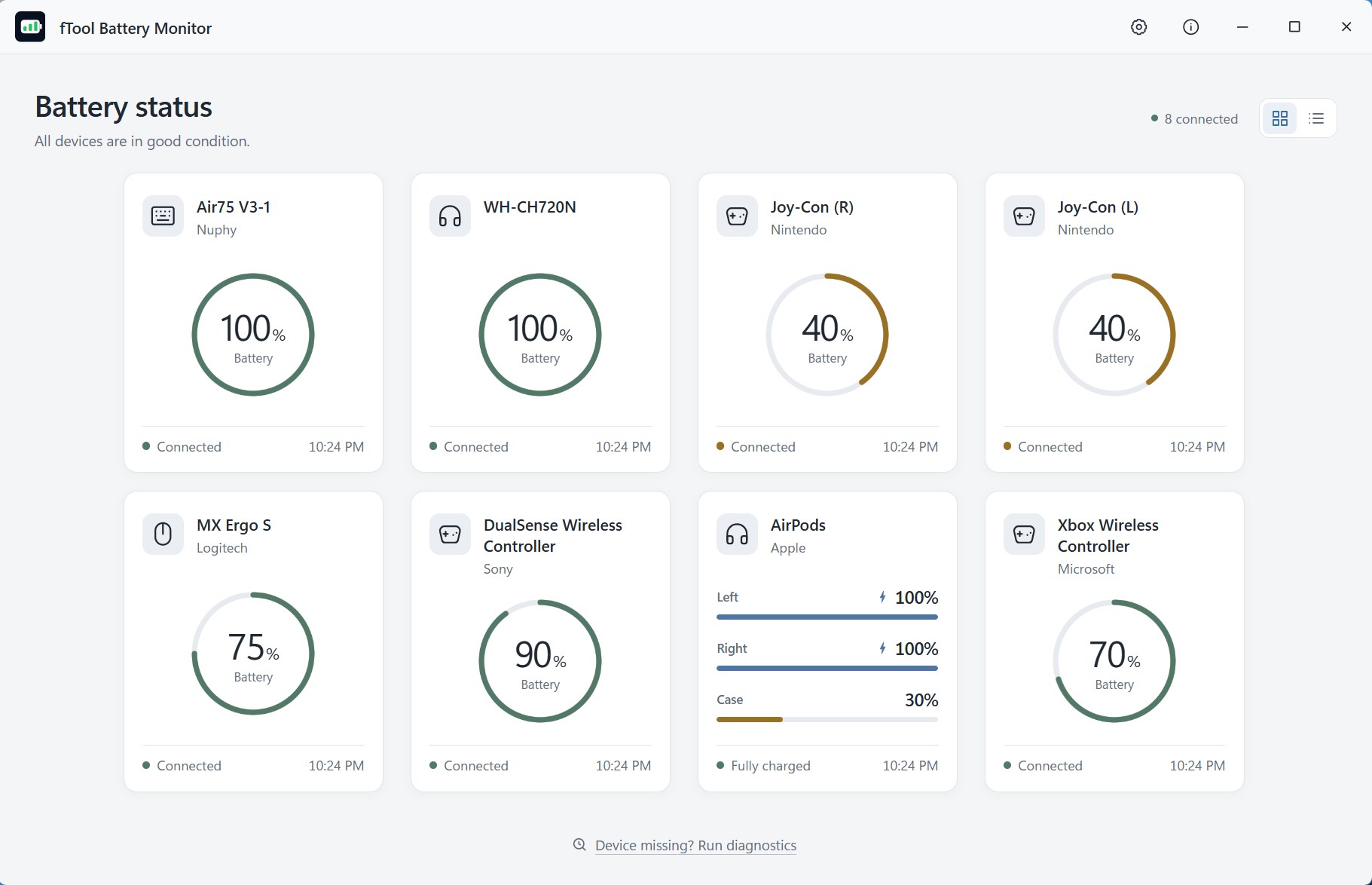
fTool Battery Monitor Screenshot
Features

What You Can Do

One dashboard for every brand — no more keeping a separate app open for each wireless peripheral you own

Low-battery alerts with a threshold you choose from 5% to 50%, plus separate notification settings per device

Charge-complete notifications and an estimated time to full while a device is charging

Battery history graph that shows how each device level has changed over time

Lives in the system tray — hover for a compact overview, or open the dashboard for full details

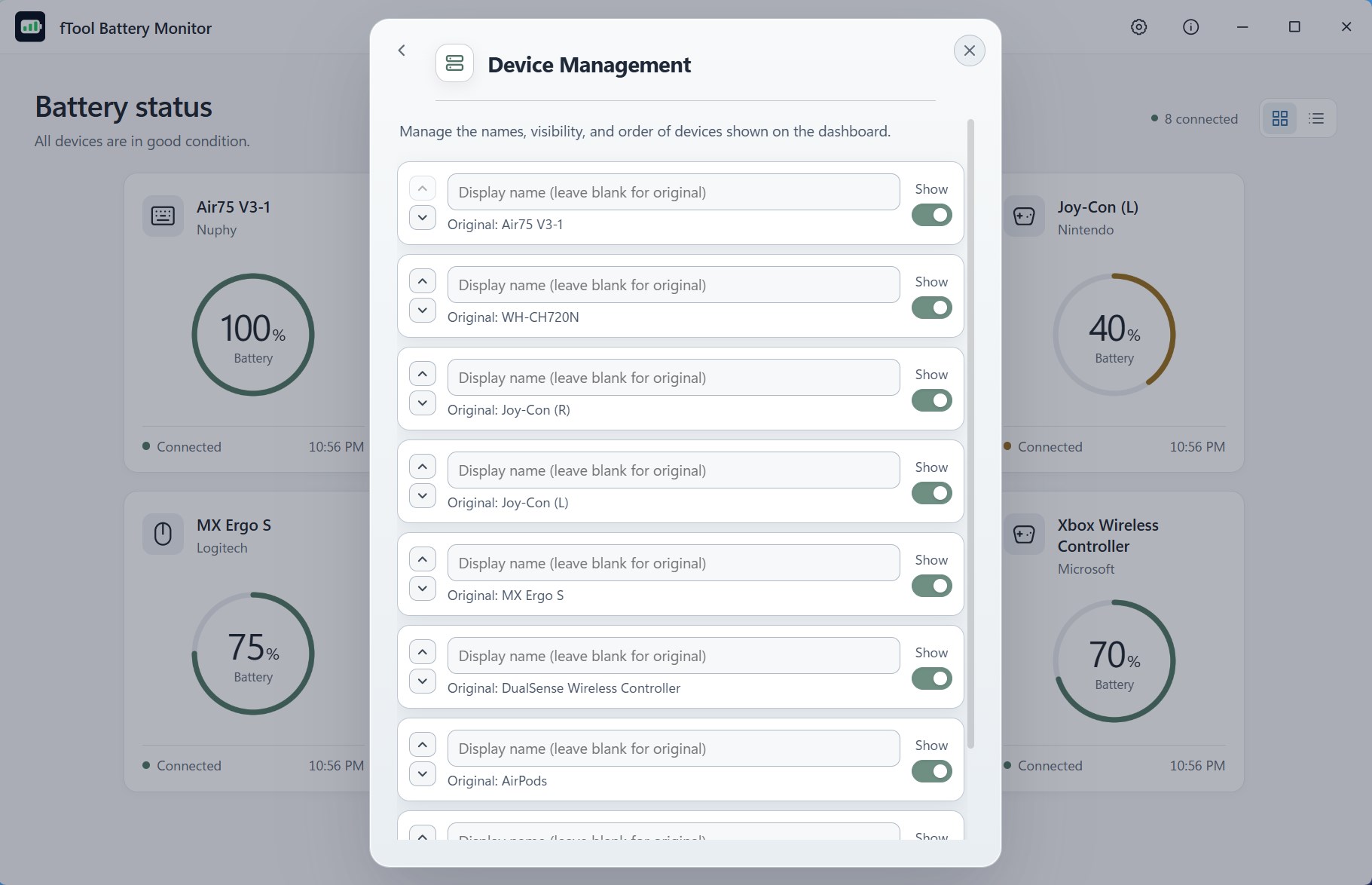
Organize devices your way with custom names, custom order, hidden devices, and per-device thresholds

Quiet Hours to silence notifications at night, during meetings, or whenever you need focus

Privacy first — no app account, no ads, no telemetry; history and settings stay on your PC

Supported Devices
AirPods (L / R / Case) DualSense DUALSHOCK 4 Xbox Wireless Controller Joy-Con Logitech HID++ Razer Wireless Magic Keyboard / Mouse / Trackpad Bluetooth Headphones & Earbuds Wireless Mice & Keyboards
Who Is It For?
Gamers Remote Workers Content Creators Apple Device Users Multi-Peripheral Desks

Device compatibility may vary depending on the model, connection method, firmware, and the battery information Windows provides. Compatibility with every Bluetooth device is not guaranteed. All product names and trademarks belong to their respective owners. fTool Battery Monitor is an independent application and is not an official product of, endorsed by, or affiliated with the device manufacturers listed above.

Screenshots

See It In Action

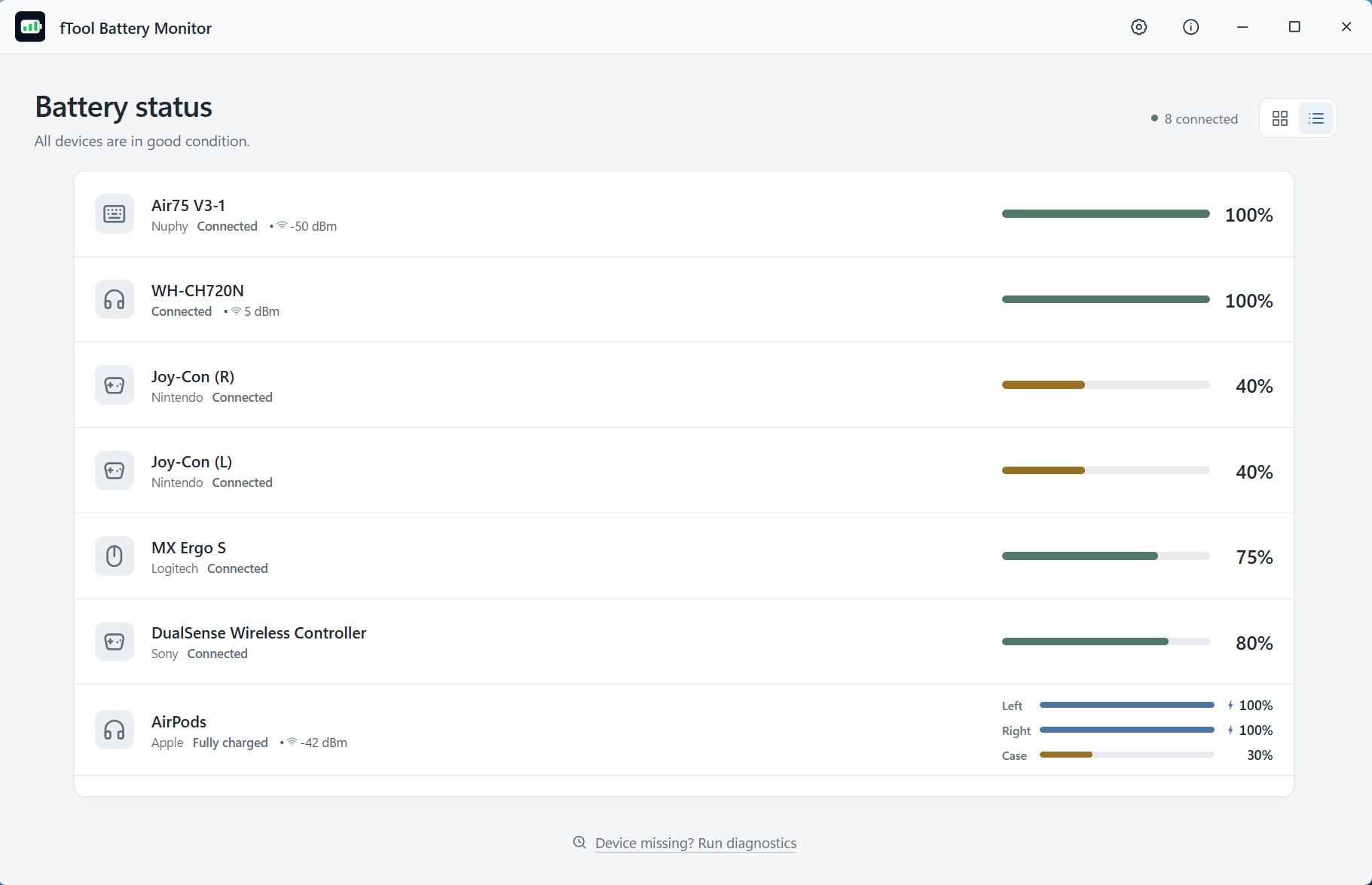
Compact list view of all monitored devices
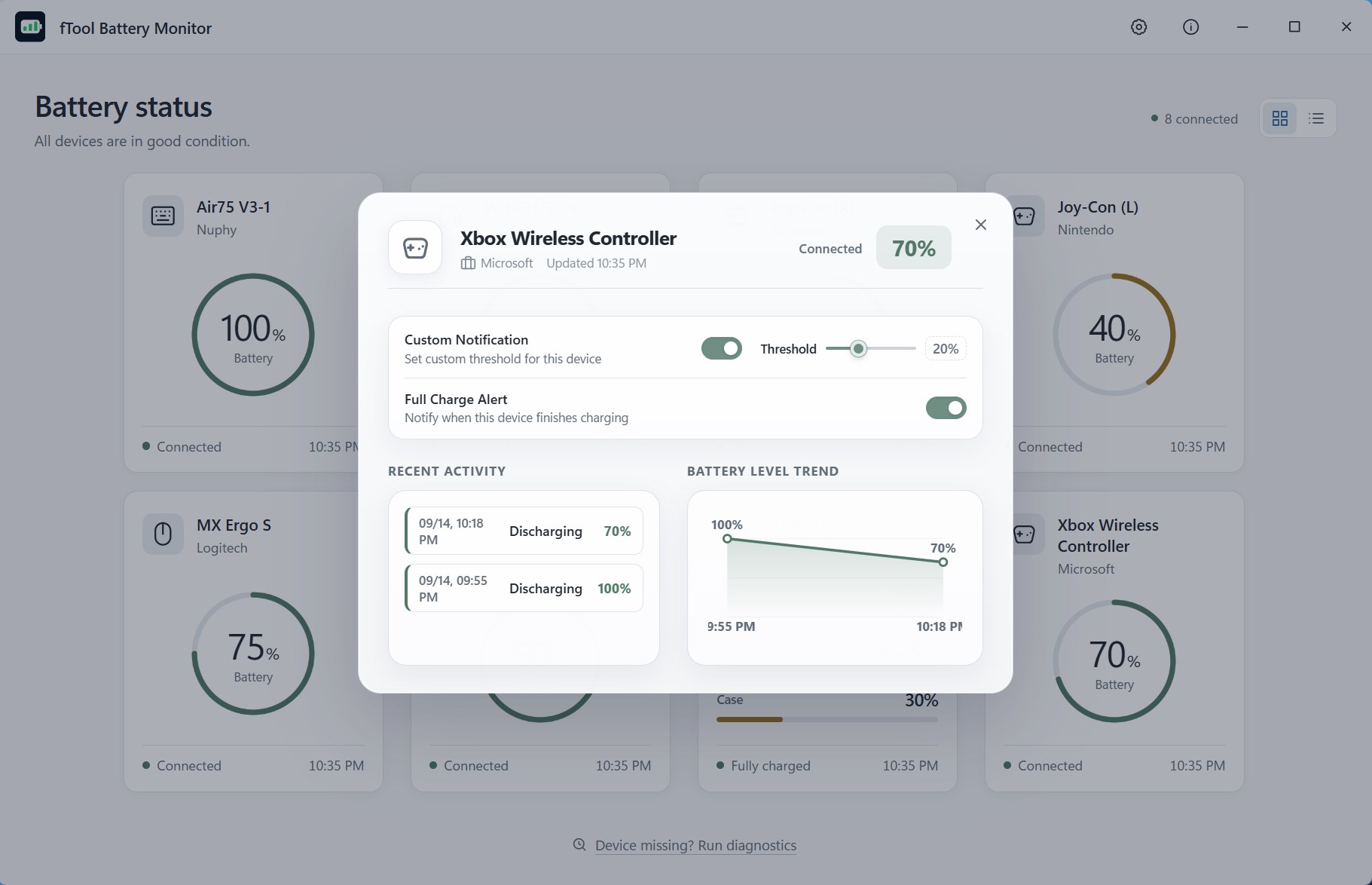
Device details with recent activity and battery level trend
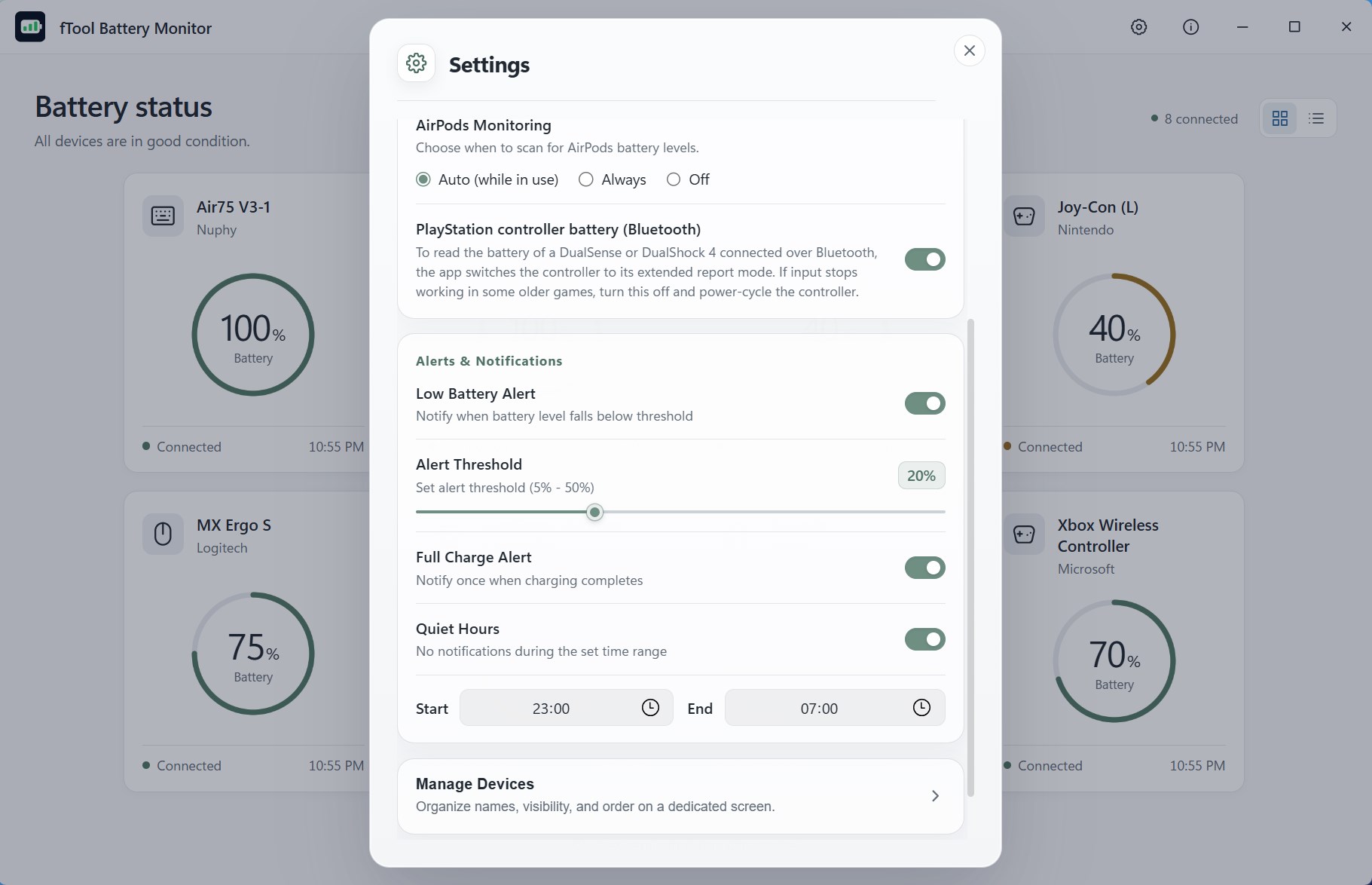
Alert threshold, full charge alert, and Quiet Hours settings
System tray flyout with a compact battery overview
Card dashboard in light theme
List view in light theme
Per-device notification settings in light theme
Settings screen in light theme
System tray flyout in light theme
Download

Get It Now

OS: Windows 10 version 17763.0 or later
Architecture: x64
Languages: English, Japanese, Simplified Chinese, Traditional Chinese, Korean, Spanish, German, French, Portuguese
Trial: Try every feature free for 7 days
Publisher: futomi Co., Ltd.