fTool PDF Page Organizer Icon
Windows 11 / 10 100% Offline One-Time Purchase

Reorder, Merge, Split & Stamp PDF Pages

fTool PDF Page Organizer

Arrange PDF pages like a stack of paper. See every page as a thumbnail, then reorder, rotate, merge, split, and stamp. Rebuild double-sided scans, add photos as pages, and drag the pages you need straight to a folder or email. Everything runs on your own PC and nothing is uploaded.

No Subscription No Cloud Uploads Verified by Microsoft
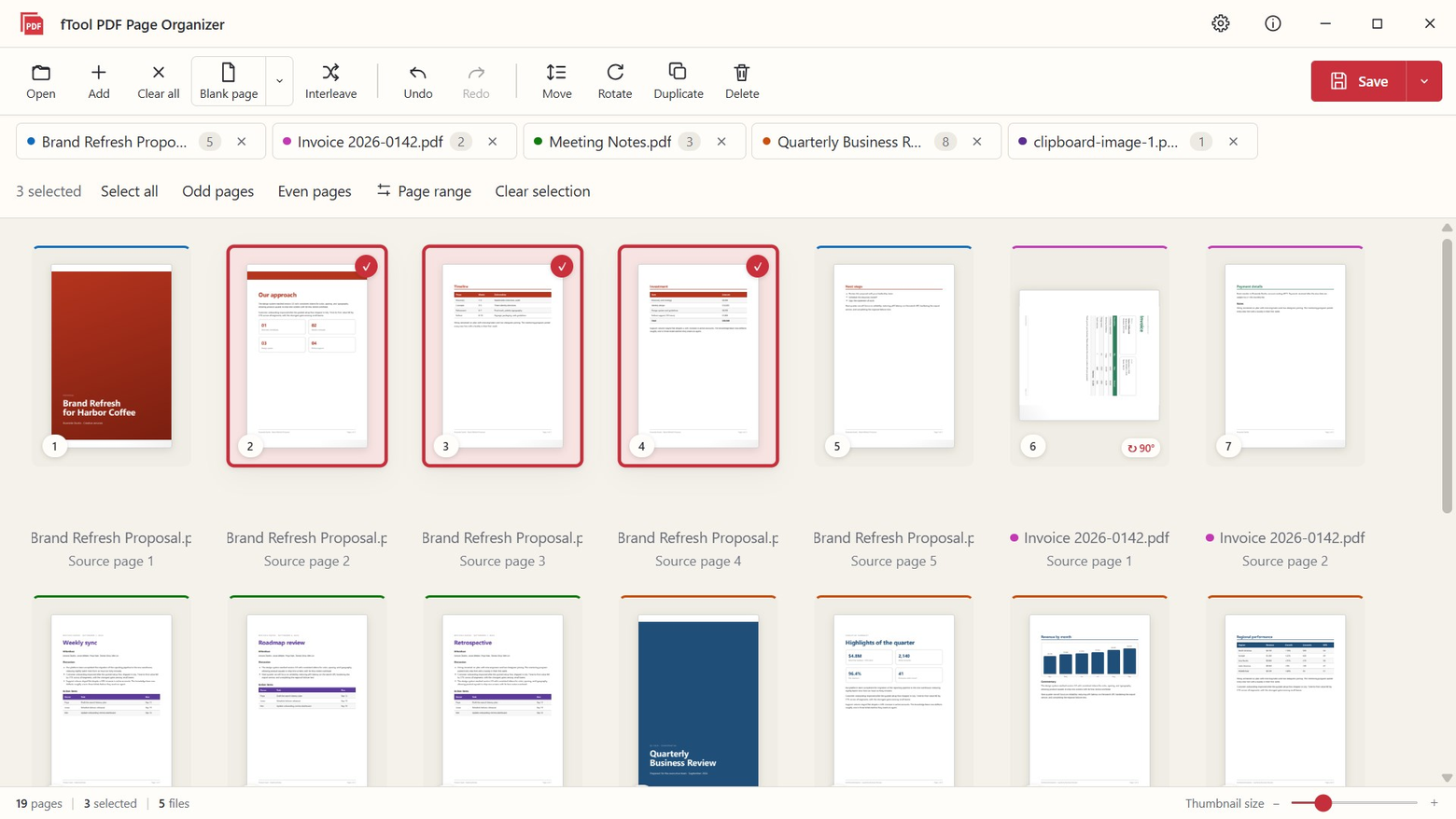
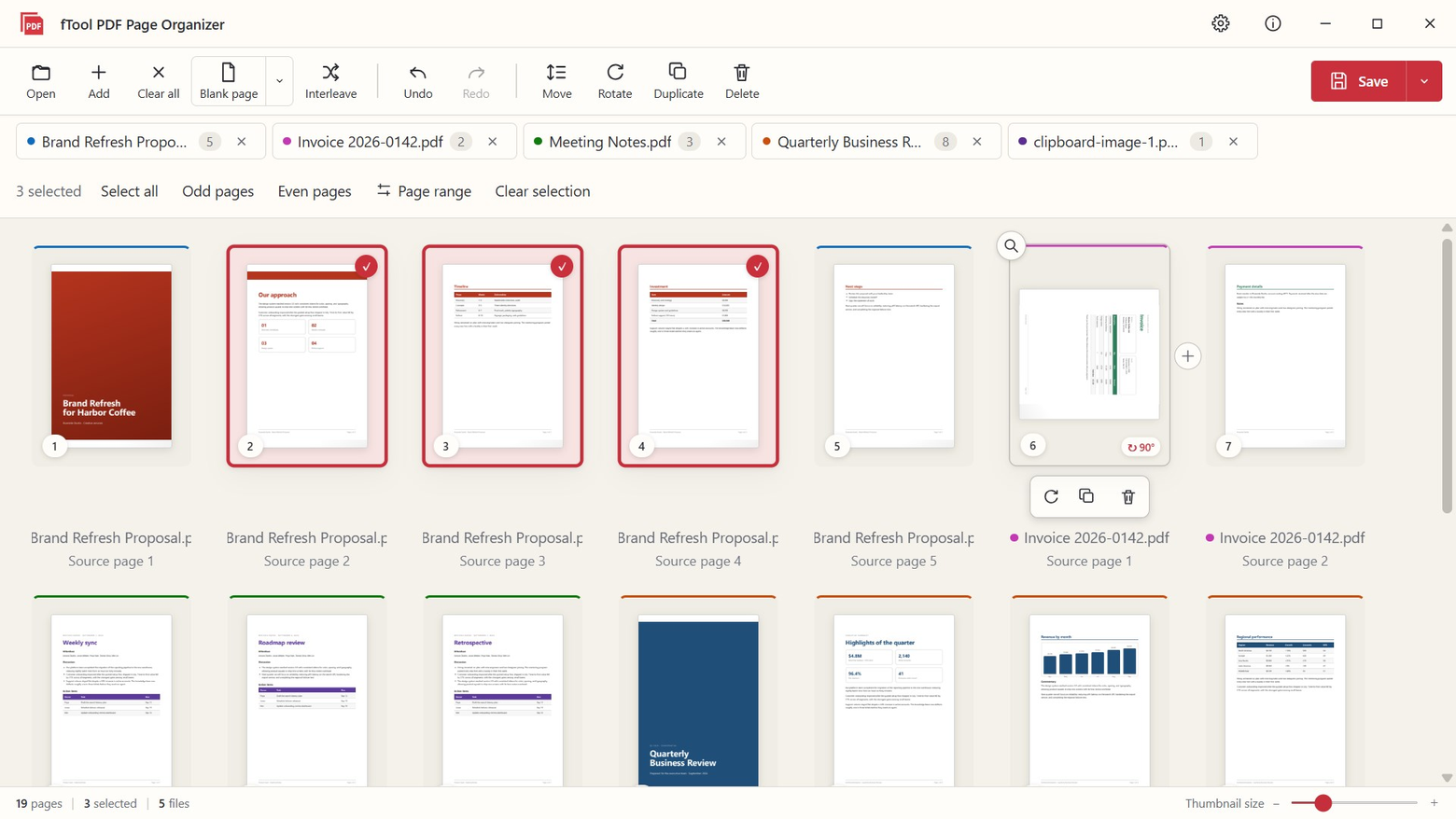
The fTool PDF Page Organizer workspace with pages from five files shown as color-coded thumbnails, three pages selected and one rotated 90 degrees

Why fTool PDF Page Organizer

Open, Arrange, Save

Invoices, contracts, scanned paperwork, reports and handouts. If you handle PDF pages every day, the whole workflow is three steps: open your files, arrange the pages, and save. No uploads, no account, and no waiting for a website.

See Every Page at a Glance

Open one PDF or many. Every page appears as a thumbnail with a colored border that shows which file it came from, so you always know what you are moving.

Fix Double-Sided Scans

Scanned the fronts and the backs as two separate PDFs? Interleave puts them back in the correct order in one step, even when the back-side stack came out reversed.

100% Offline, Originals Untouched

Your PDFs are processed on this PC and never uploaded anywhere. Results are always saved as new files, so the source documents stay exactly as they were.

What You Can Do

Every Page, Where You Want It

See It, Move It

Drag a page to a new spot, or select many pages and move them to the start, the end, or before any page number. Rotate, duplicate, or delete a page right on its thumbnail, open a full-size preview to check it first, and undo or redo at any time.

Select Pages, Then Drag Them Out

Pick the pages you need and drag the thumbnails onto the desktop, a folder, or any application that accepts files. They are exported as a new PDF with your rotations and order applied, and the original file stays untouched.

Merge, Extract and Split

Combine several PDFs into one, or save only the selected pages. Split a long file every N pages, into odd and even pages, or at the exact positions you choose. Name the outputs with a template and review every file name and page range before anything is written.

Turn Images into Pages

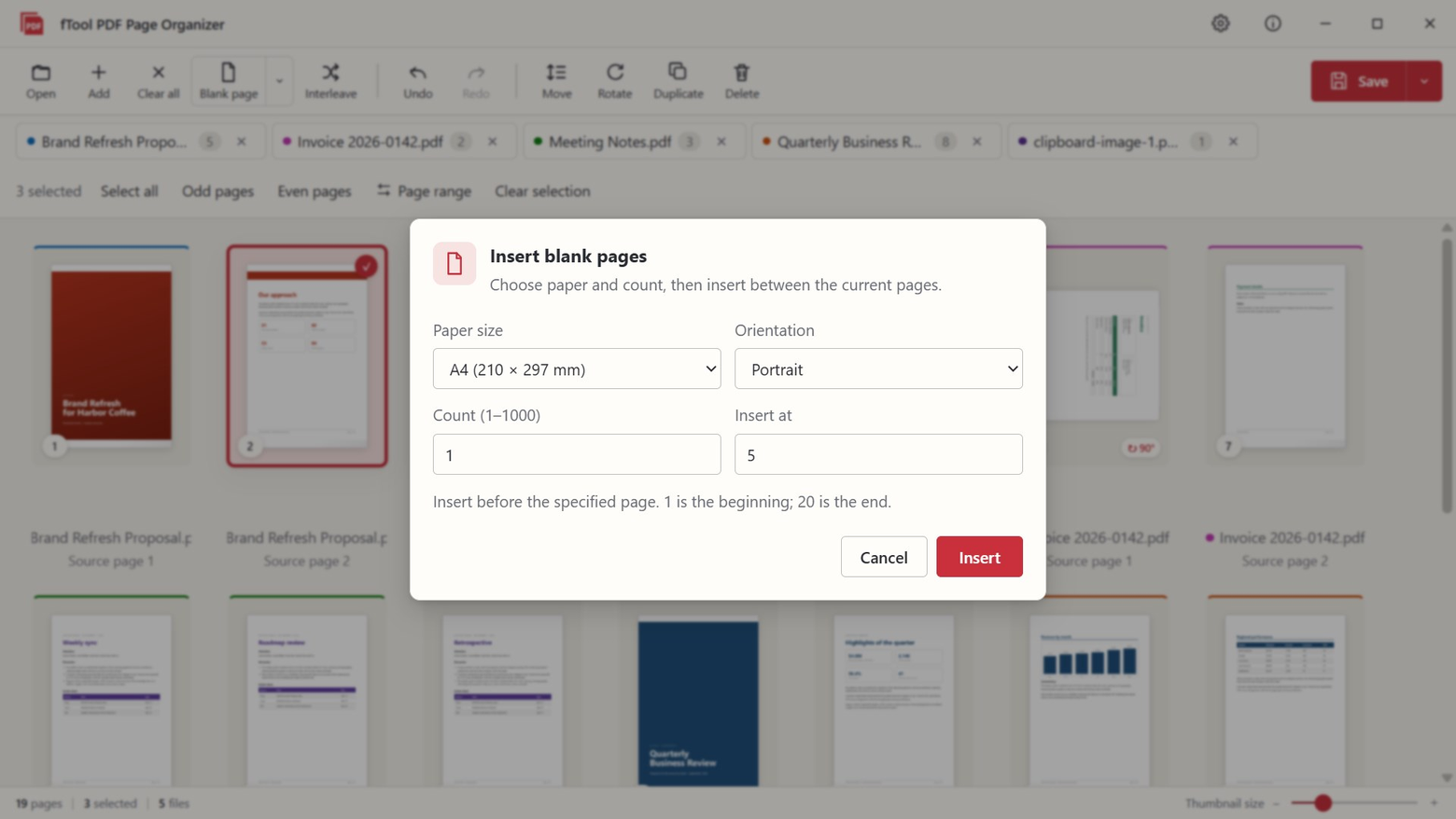
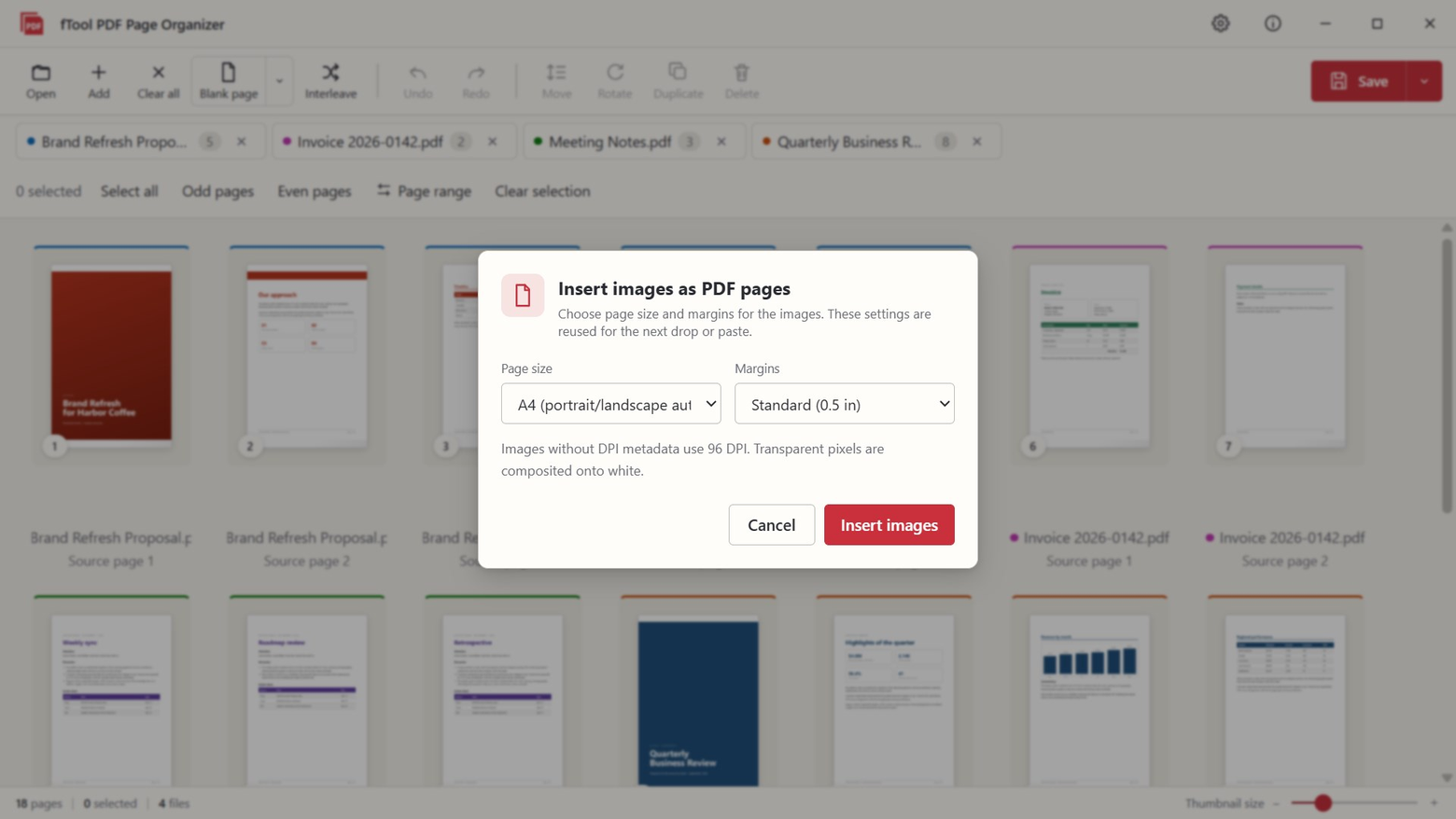
Drop JPG, PNG, BMP, WebP or TIFF files, or paste an image with Ctrl+V. Multi-page TIFFs become separate pages. Choose A4, the physical size from the image DPI, or the pixel size, with or without margins. JPEG photos are embedded without re-encoding, and blank A4, A3 or Letter pages can be inserted anywhere.

Stamp Page Numbers, Dates and Text

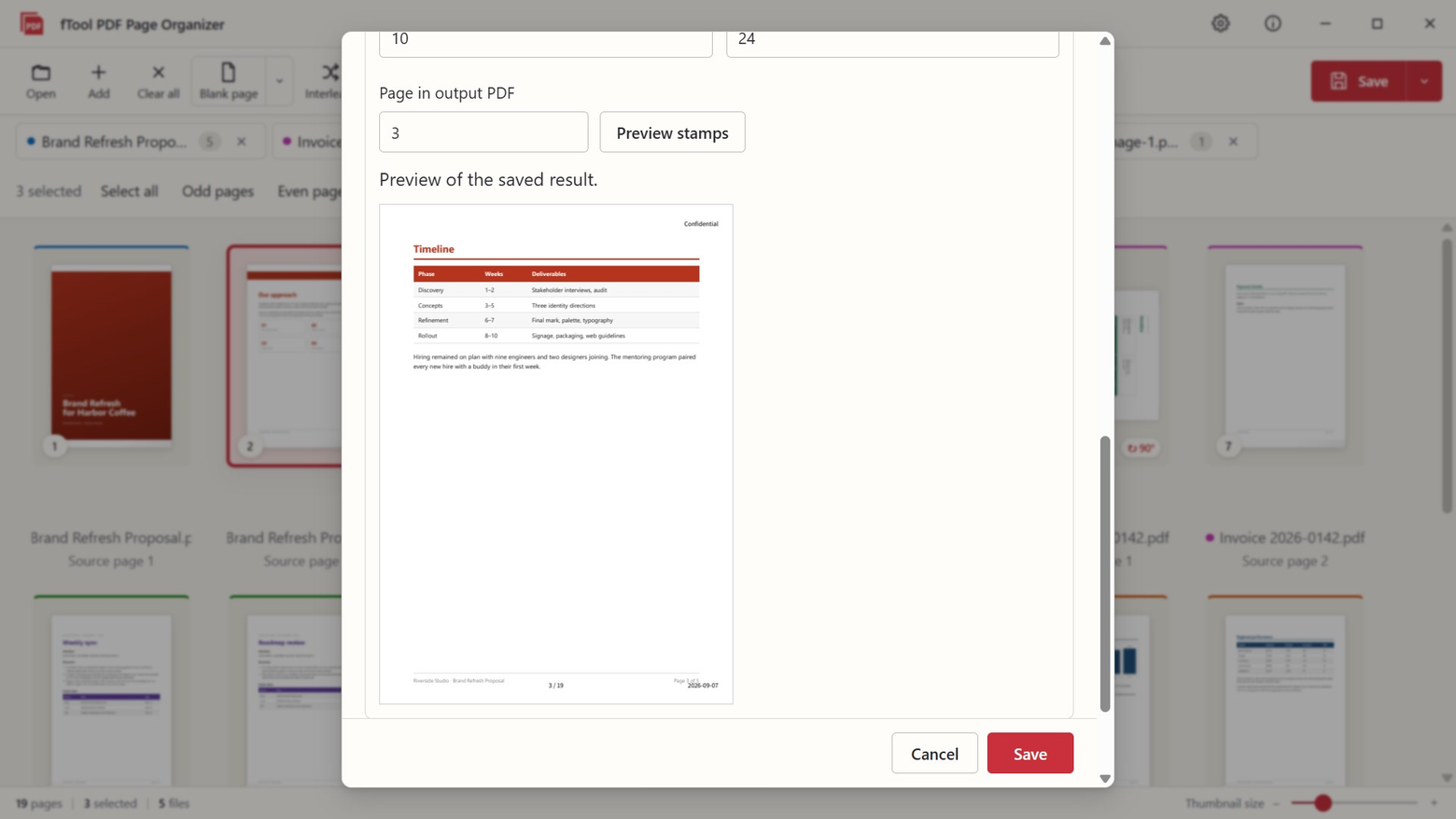
Add page numbers in the style you prefer, the current date, or a short custom text at any corner or the bottom center. A preview of the saved result shows exactly where the stamp lands before you commit.

Get a Document Ready to Send

Before saving, edit the title, author, subject and keywords, or remove all document information in one step. Bookmarks are rebuilt on save, merged files can get one bookmark per source file, and save presets remember your folder, stamp and bookmark settings for next time.

Your Documents Stay Yours

Your PDFs Never Leave Your PC

Online PDF tools ask you to upload the contracts and invoices you are trying to organize. fTool PDF Page Organizer does all of its work locally, as a native Windows app.

  • No cloud uploads, no account registration and no tracking
  • Source files are never modified; results are always saved as new files
  • Damaged PDFs are repaired on a temporary copy so you can still work with them
  • The app warns you before saving if bookmarks, annotations, form fields or tags in a file cannot be fully preserved
  • Light and dark themes follow your Windows setting, with the interface available in 9 languages
What You Can Add
Documents PDF
Images as pages JPGPNGBMPWebPTIFFClipboard (Ctrl+V)
Blank pages A4A3Letter

fTool PDF Page Organizer is built for one job, arranging pages, and it is honest about what it does not do. Please check these points before you buy.

Good to Know
  • This app does not edit text, run OCR, compress, or convert files.
  • Encrypted (password-protected) PDFs cannot be opened.
  • Some structures may not survive saving. The app warns you first if bookmarks, annotations, form fields or tags cannot be fully preserved. Files with XFA forms cannot be saved.
  • "Remove all document information" clears the Info dictionary, XMP metadata, document ID and PieceInfo. It does not remove annotations, comments, attachments, bookmarks, form values, text on the pages, or image EXIF data. You make the final call on what is safe to send.

Pricing

Try Everything for 7 Days

Install the free trial from the Microsoft Store and use every feature for 7 days. If it saves you time, buy the full version once and keep it. No subscription, no tiers.

Gallery

See It In Action

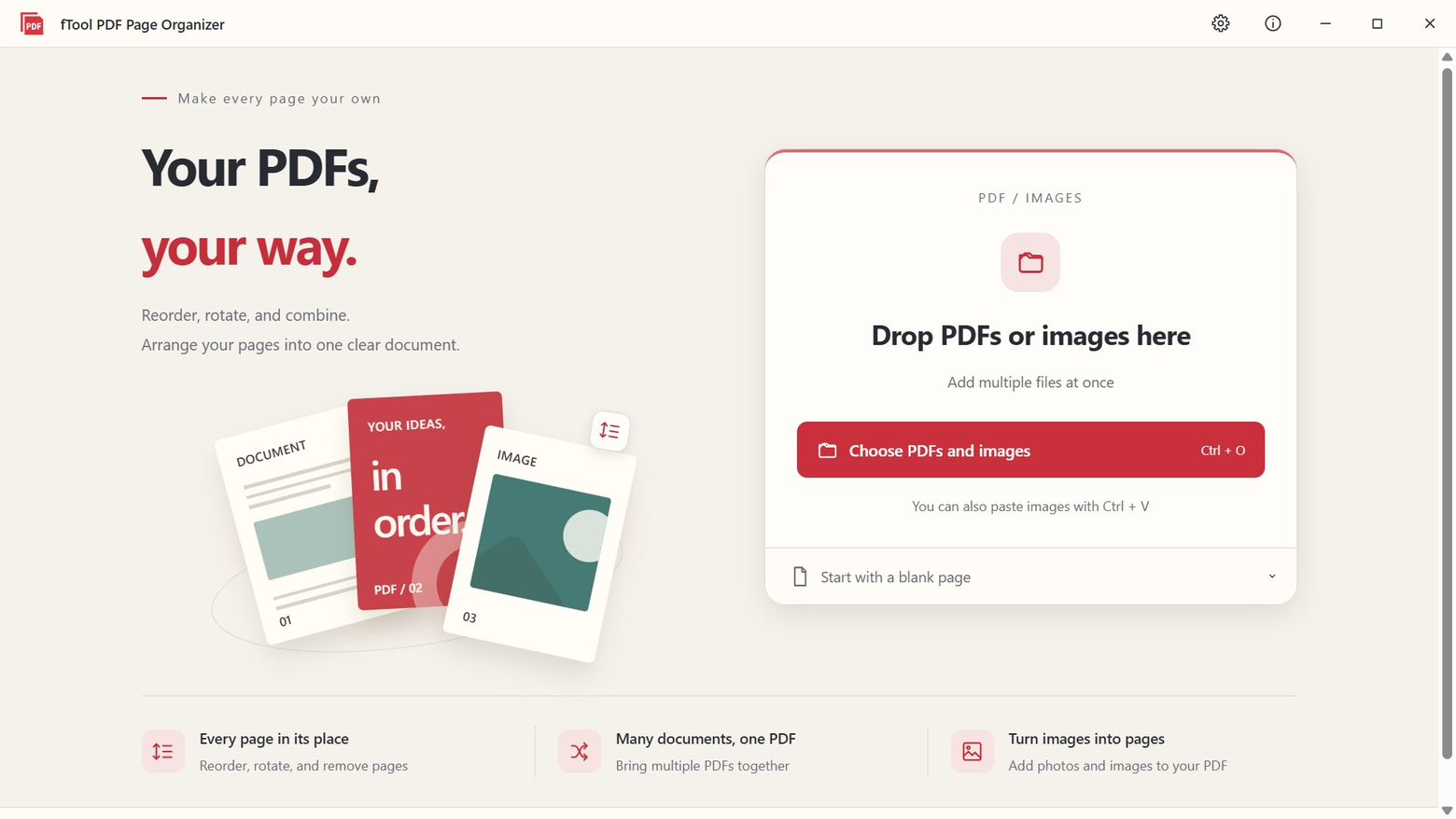
The start screen with a drop zone for PDFs and images, a Choose PDFs and images button, and a Start with a blank page option
Hovering over a thumbnail reveals rotate, duplicate and delete buttons for just that page, with undo and redo in the toolbar
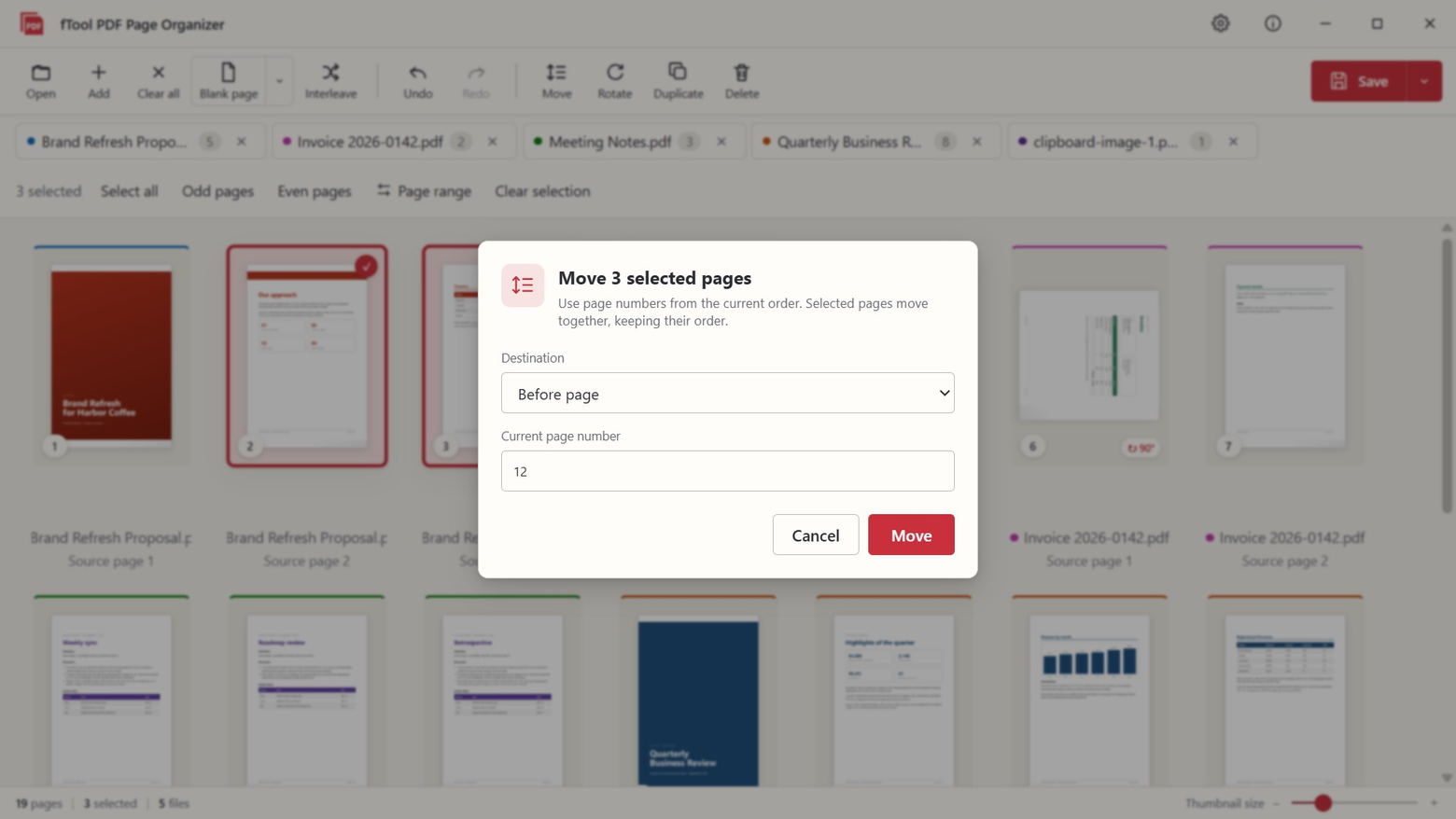
The Move dialog for sending selected pages to the start, the end, or before a chosen page number
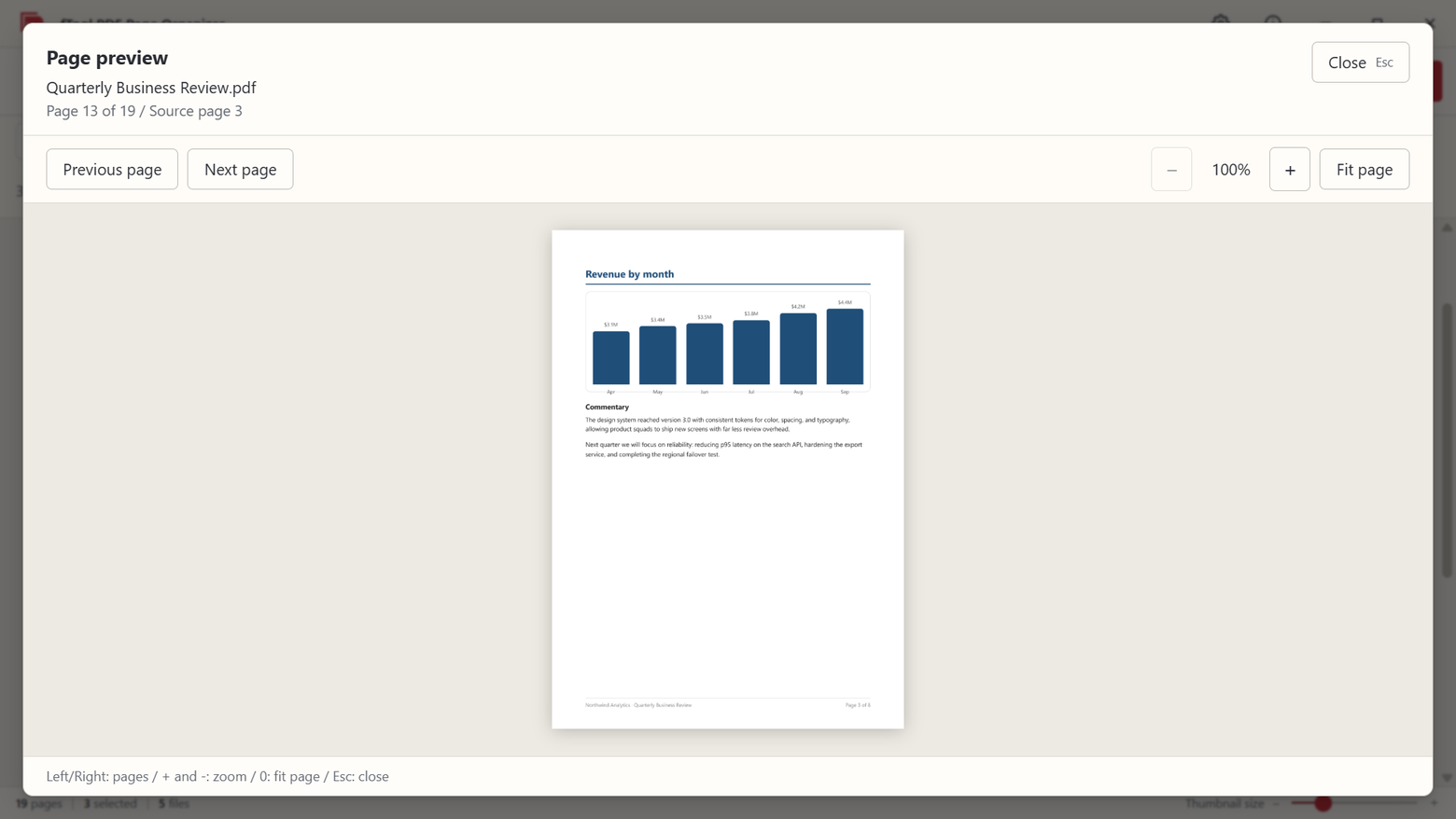
A full-size page preview for checking content before saving, with arrow-key navigation and zoom
The Blank page dialog for inserting A4, Letter and other sizes at any position, in portrait or landscape
Adding photos and images as PDF pages, with page size and margin options
The save dialog with a preview showing exactly where the page number and date stamps will appear on the output PDF
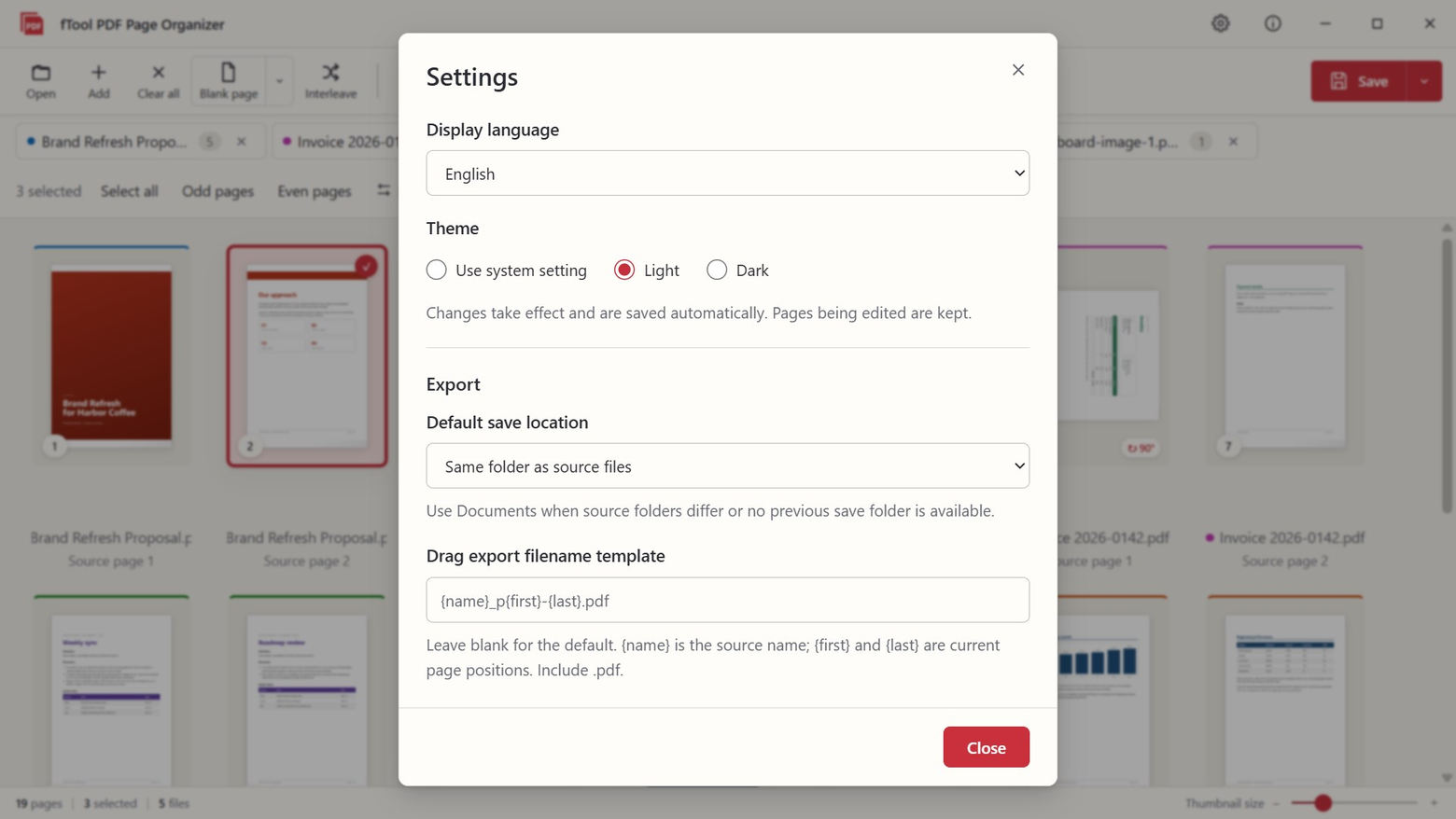
The settings screen with language, light and dark theme, default save location and export filename template
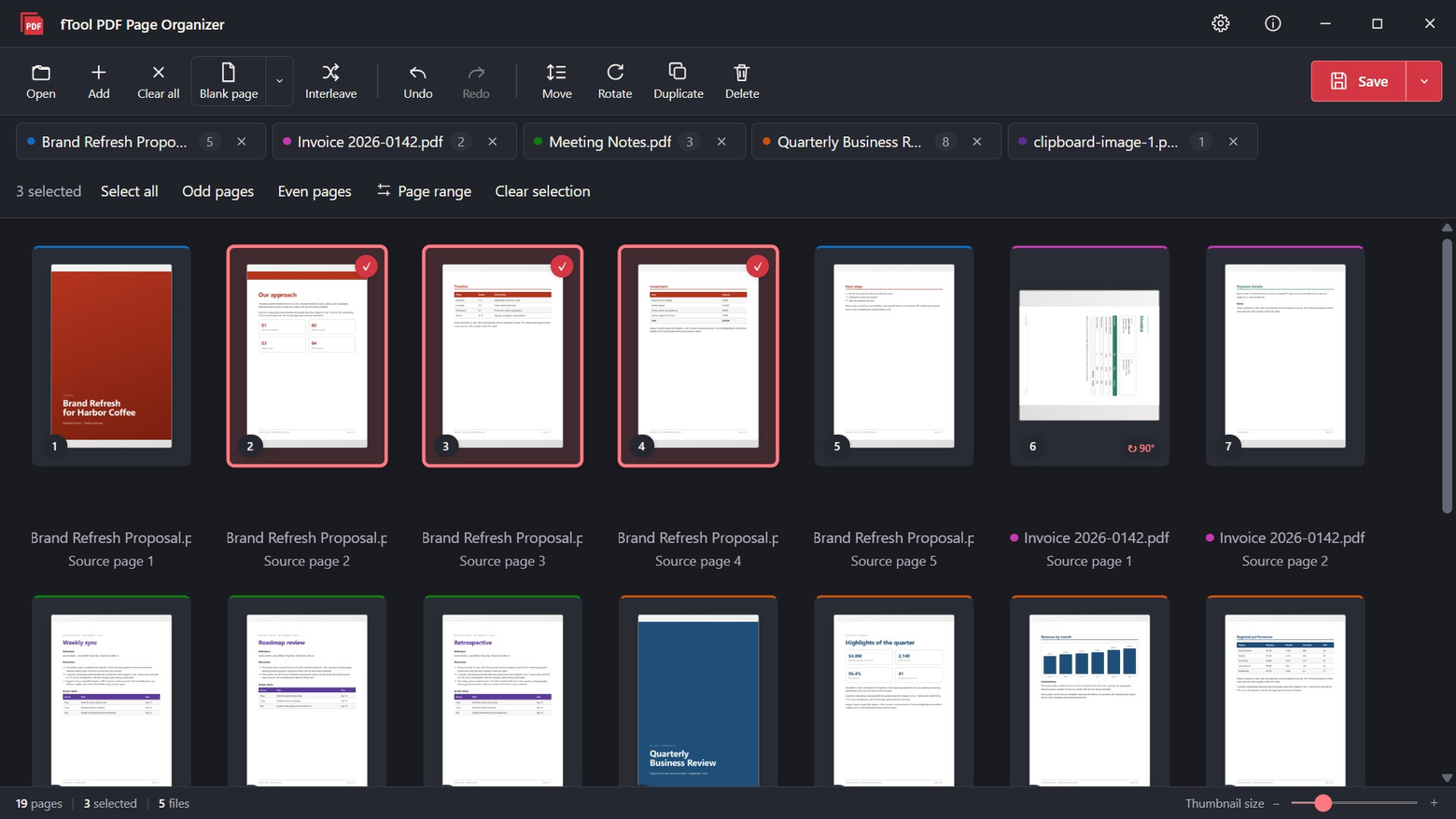
The workspace in the dark theme with color-coded page thumbnails

Get Started Today

Download from Microsoft Store

Supported OS: Windows 10 version 17763.0 or later, Windows 11
UI Languages: English, Japanese, Simplified Chinese, Traditional Chinese, Korean, Spanish, German, French, Portuguese
Architecture: x64 | Publisher: futomi Co., Ltd.
Trial: Try every feature free for 7 days
Privacy: 100% Local Execution, Zero Data Collection