fGadget Sticky Icon
Windows 11 / 10 100% Ad-Free One-Time Purchase

Desktop Notes Gadget

fGadget Sticky

Sticky notes that stay on top, powered by Markdown. Keep the checklist you are working through above every other window, and know that each note is an ordinary Markdown file in a folder you chose yourself.

No Subscription Works Fully Offline Verified by Microsoft
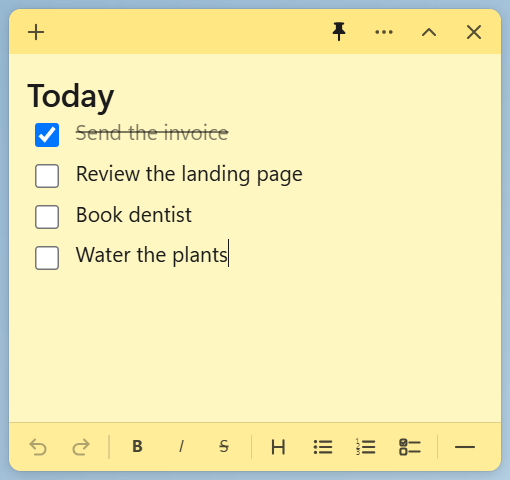
A yellow fGadget Sticky note pinned on top of the Windows desktop with a checklist

Why fGadget Sticky

Notes That Stay In Sight

A sticky note is only useful while you can see it. fGadget Sticky keeps yours visible, readable, and stored in a format that will outlive the app.

Stays on Top

Pin any note above your browser and editor, or collapse it to its title bar when you need the room back.

Plain Markdown Files

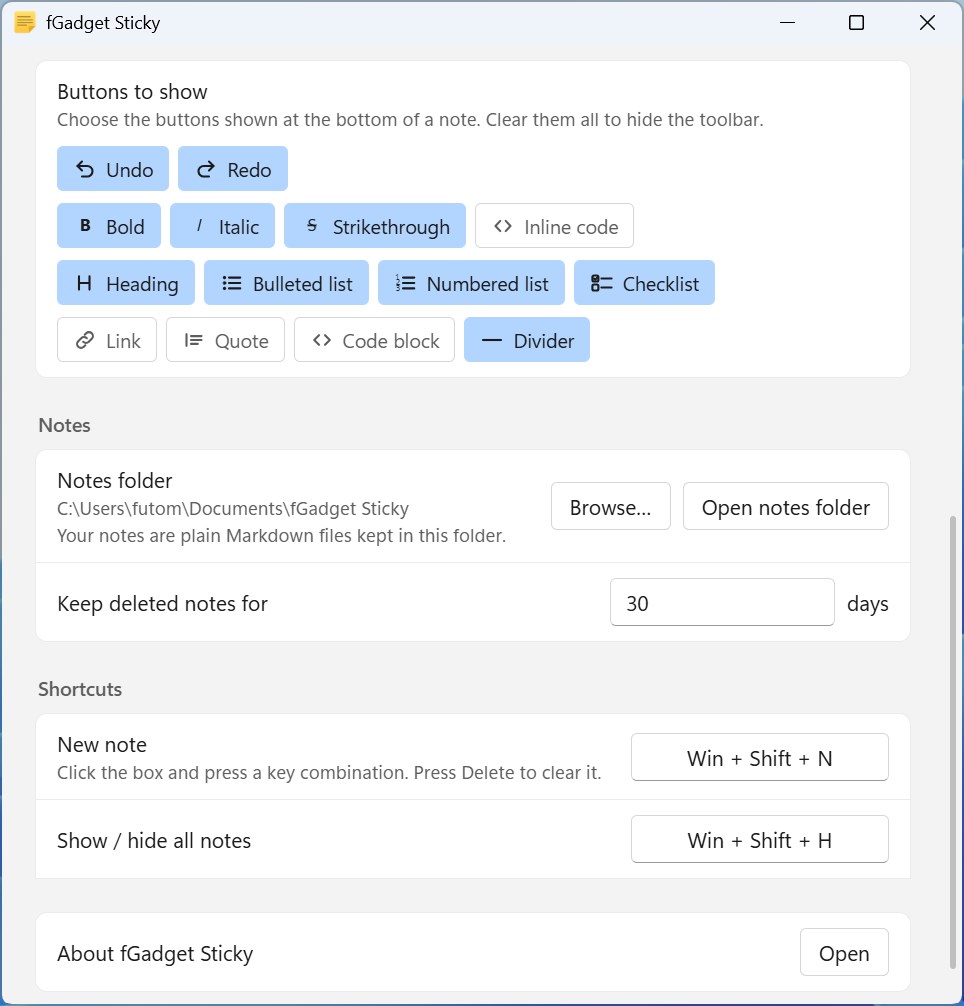
Every note is a normal .md file in a folder you choose. No proprietary database, no export step, nothing that traps your notes inside this app.

Offline, No Account

Nothing to sign up for and nothing sent anywhere. Your notes never leave the disk you keep them on.

What You Can Do

Built Around How You Actually Work

Write Naturally or in Markdown

Type as you would in any notepad and use the toolbar for bold, italics, headings, bullet lists, and checklists. Switch to Markdown mode when you want tables, code blocks, quotes, and links. You never need to know Markdown, but the full syntax is always one shortcut away.

A Text Size for Every Note

Each note remembers its own text size and color. Keep reference material small and dense, and make the reminder you cannot afford to miss large and bold.

Opacity You Set per Note

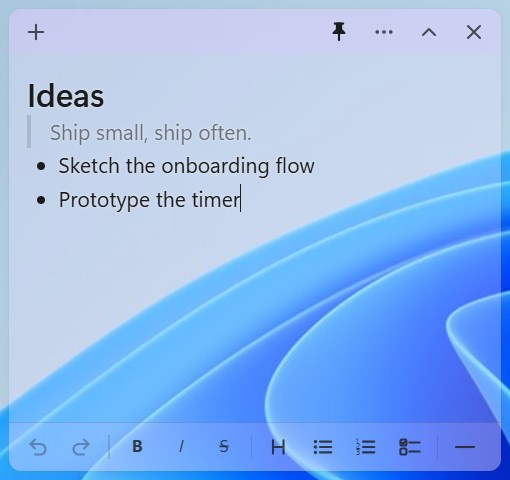
Let a note blend into your wallpaper so it informs without demanding attention, or apply the transparency to the background only and keep the text perfectly crisp.

Instant Full-Text Search

The note manager searches across every note you have, open or closed, and brings the right one back in an instant.

Global Shortcuts and Tray

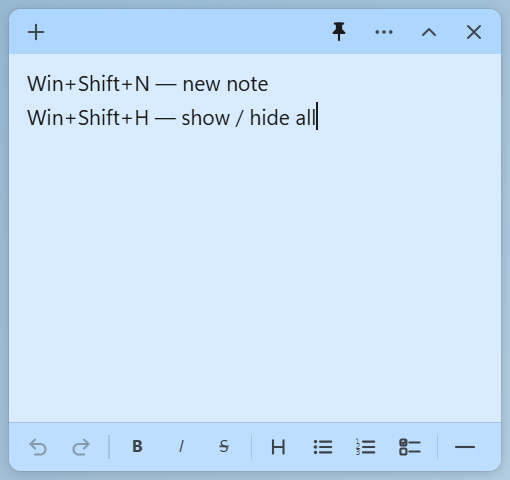
Create a note or show and hide every note at once with a global keyboard shortcut. The app starts with Windows and waits quietly in the system tray.

Runs Light in the Background

Autosave as you type, a clean Fluent design that follows the Windows light and dark themes, and careful engineering that keeps even dozens of open notes light on memory.

Your Data Stays Yours

Your Notes Are Plain Files

Most note apps hide your writing inside a database of their own. fGadget Sticky writes ordinary Markdown files into a folder you pick, and nothing else.

  • Every note is a Markdown (.md) file you can open in any editor
  • Edits made outside the app appear in the open note automatically
  • Images you drop onto a note are saved in an assets folder beside them and linked with relative paths
  • Deleted notes move to a trash folder you can open without the app
  • Put the folder in OneDrive or Dropbox and your notes follow you

A notes folder is an ordinary folder. Open it in Explorer and everything is right there: back it up, put it under version control, or grep it from a terminal, the same way you would with any other folder of text files.

Documents\fGadget Sticky\ ├─ Today.md ├─ Sprint 42 — notes.md ├─ Server cheatsheet.md ├─ assets\ │ └─ diagram.png └─ .trash\ └─ Old shopping list.md

Pricing

Try Everything for 15 Days

Every feature is unlocked during the trial. Nothing is limited and nothing is saved for a paid tier. Decide once, and the app is yours.

Gallery

See It In Action

A translucent note showing through the Windows 11 wallpaper behind it
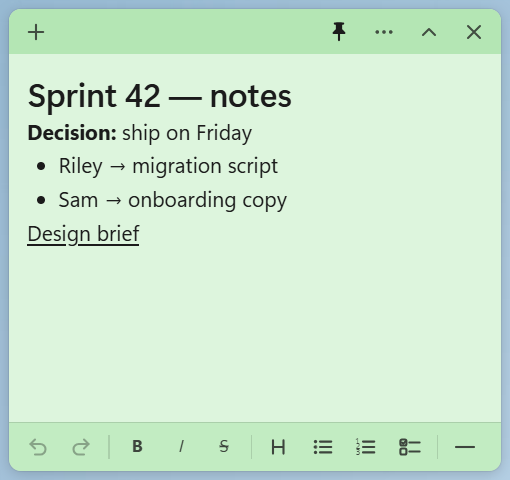
A green note with a heading, bold text, a bullet list, and a link
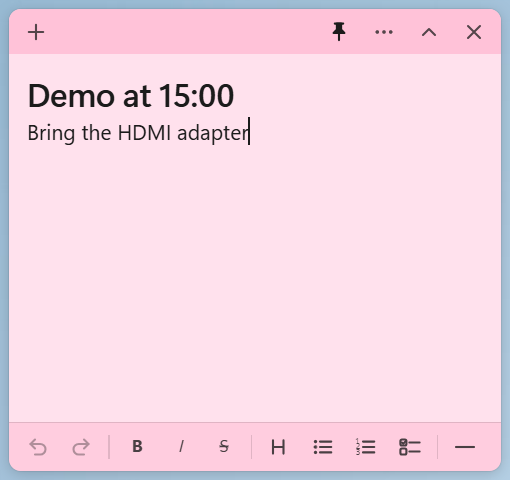
A pink note used as a short reminder with a large heading
A blue note listing the global keyboard shortcuts
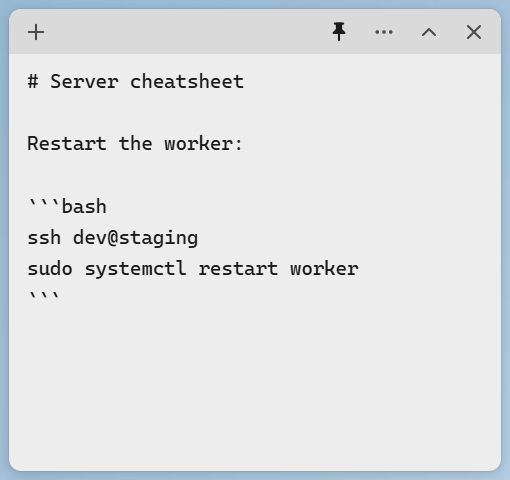
Markdown mode showing the raw source of a note with a code block
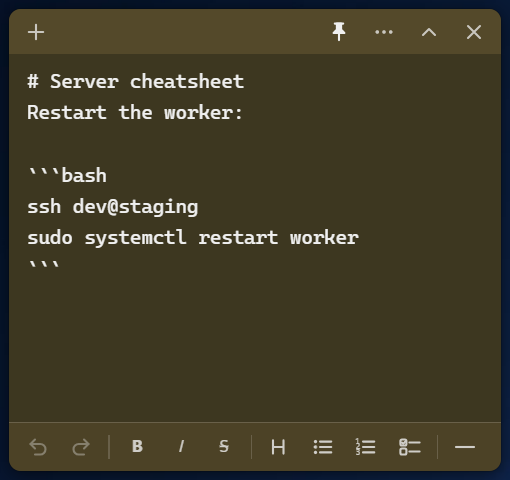
The same note in Markdown mode under the Windows dark theme
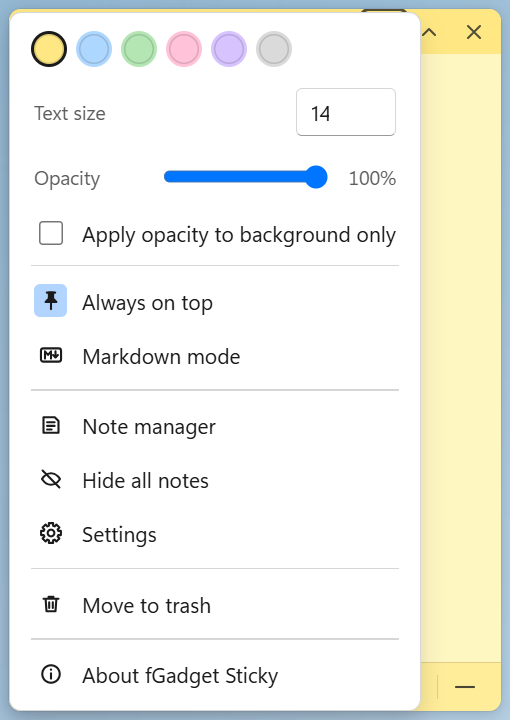
The note menu with color, text size, opacity, always on top, and Markdown mode
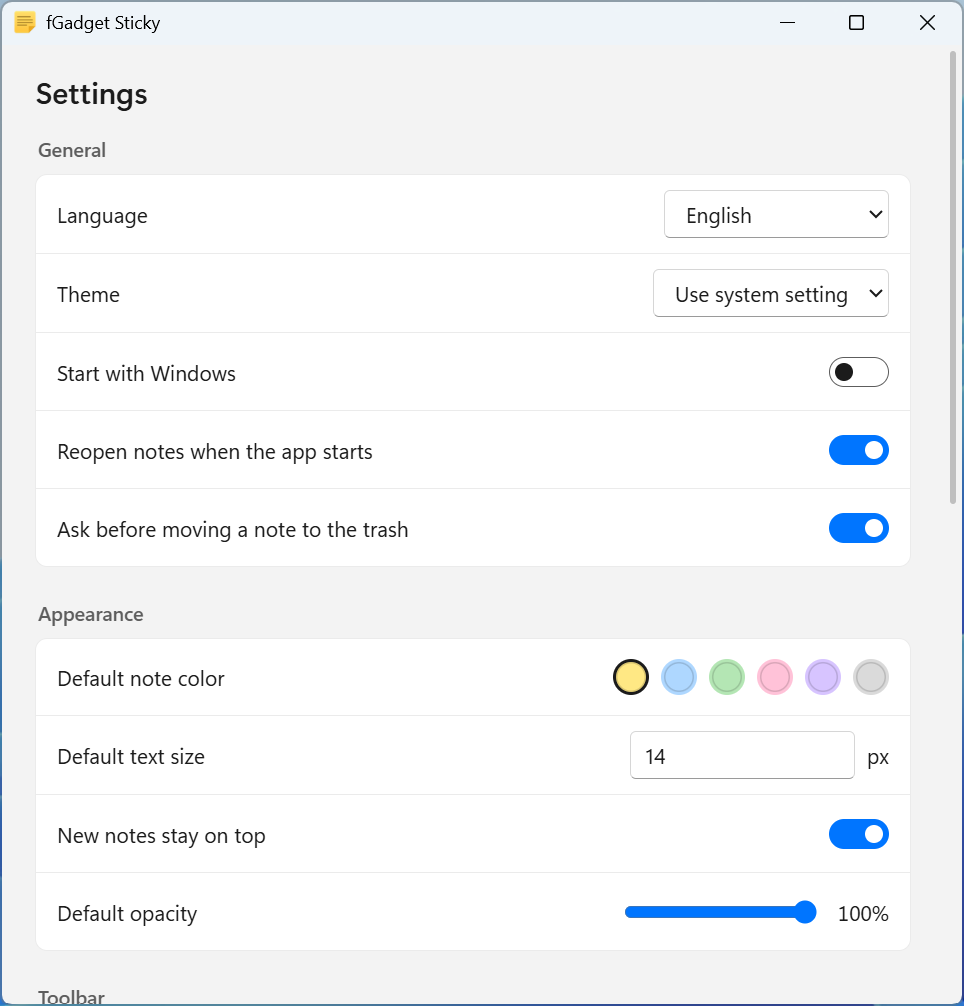
The settings window showing language, theme, and appearance options
The settings window showing the customizable toolbar, notes folder, and shortcuts

Get Started Today

Download from Microsoft Store

Supported OS: Windows 10 version 17763.0 or later, Windows 11
UI Languages: English, Japanese, Simplified Chinese, Traditional Chinese, Korean, Spanish, German, French, Portuguese
Architecture: x64 | Publisher: futomi Co., Ltd.
Trial: Try every feature free for 15 days
Privacy: 100% Local Execution, Zero Data Collection