fGadget Clock Icon
Windows 11 / 10 100% Ad-Free One-Time Purchase

Desktop Productivity Gadget

fGadget Clock

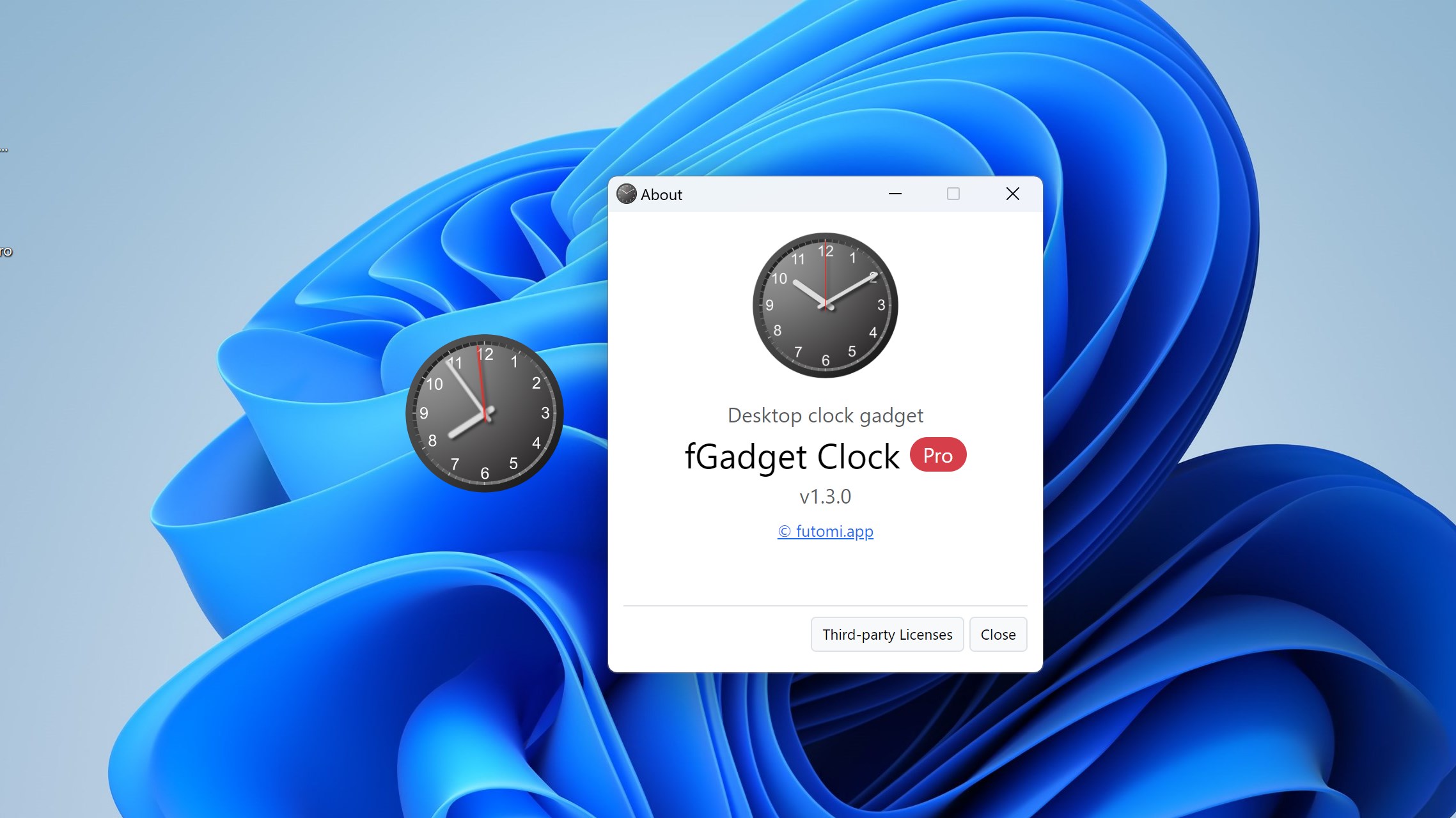
The classic analog desktop clock gadget, rebuilt for Windows 11 and 10. A clean dial with no window frame and no taskbar button stays exactly where you leave it, even when you press Win+D. Pro puts up to eight clocks on your desktop, each in its own time zone.

No Subscription Ultra-low CPU usage Verified by Microsoft
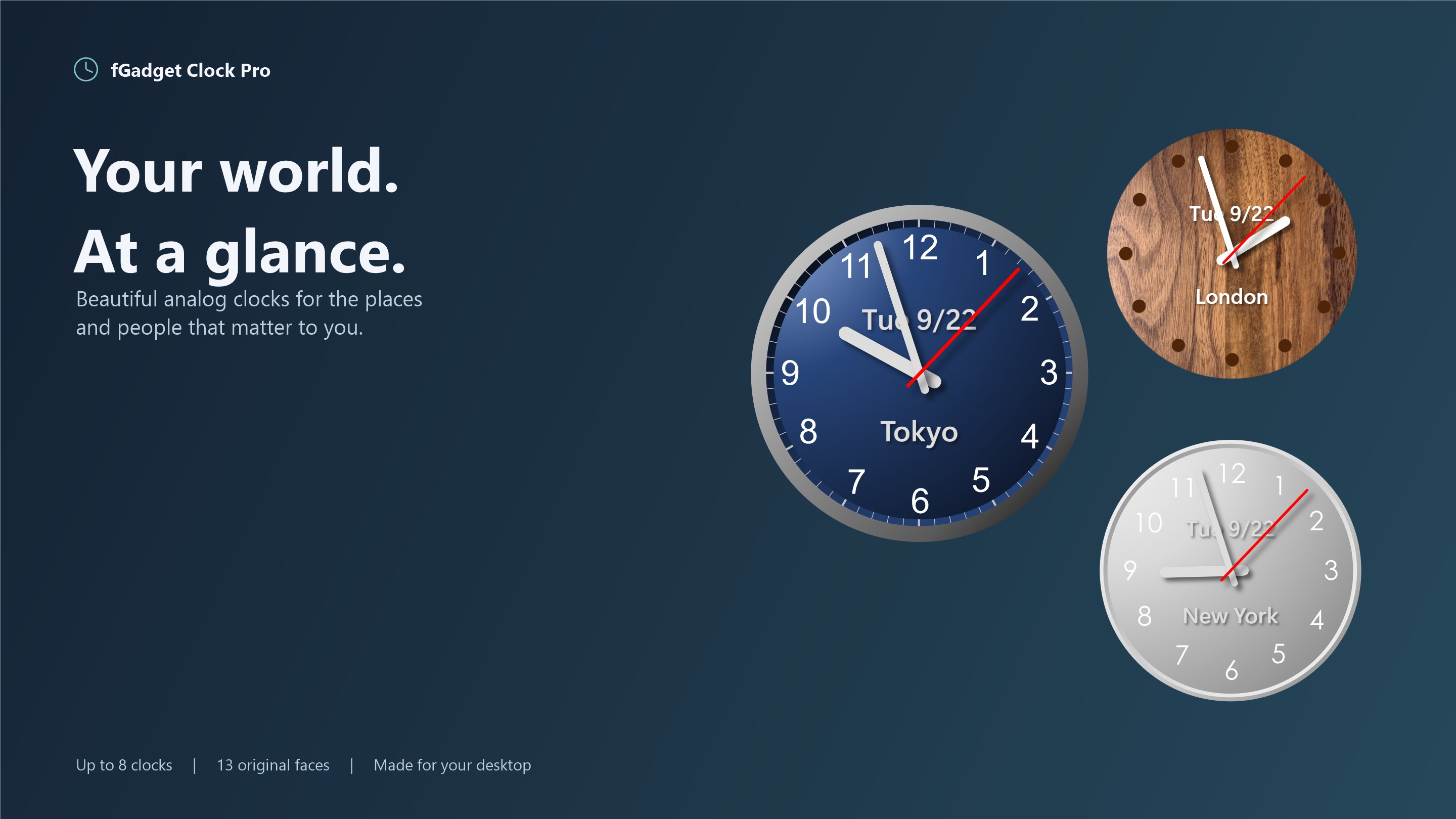
fGadget Clock Pro showing Tokyo, London and New York on the desktop

Why fGadget Clock

Timeless Elegance on Your Desktop

A round dial with hour, minute and second hands, sharp at 125% and 150% display scaling. There is no window to manage: drag the clock where you glance most, and it is there every time you sign in.

Pinned to Desktop

The clock stays visible when you press Win+D and always sits behind your other windows, so it never covers your work.

Always on Top

Float the clock above every window during a presentation or a video call, or let it behave like any other window.

Speaks Your Language

Nine display languages, picked from your Windows display language on first launch, and a Windows 11-style Preferences window that follows light and dark mode.

Choose Your Edition

Lite vs. Pro Edition

Lite is a free single clock with four faces. Pro is a separate app that puts up to eight clocks on your desktop, with all 13 faces, time zones, the date and hourly chimes.

Lite Edition

One clean analog clock, free with no ads

Free forever
  • Analog clock with hour, minute and second hands
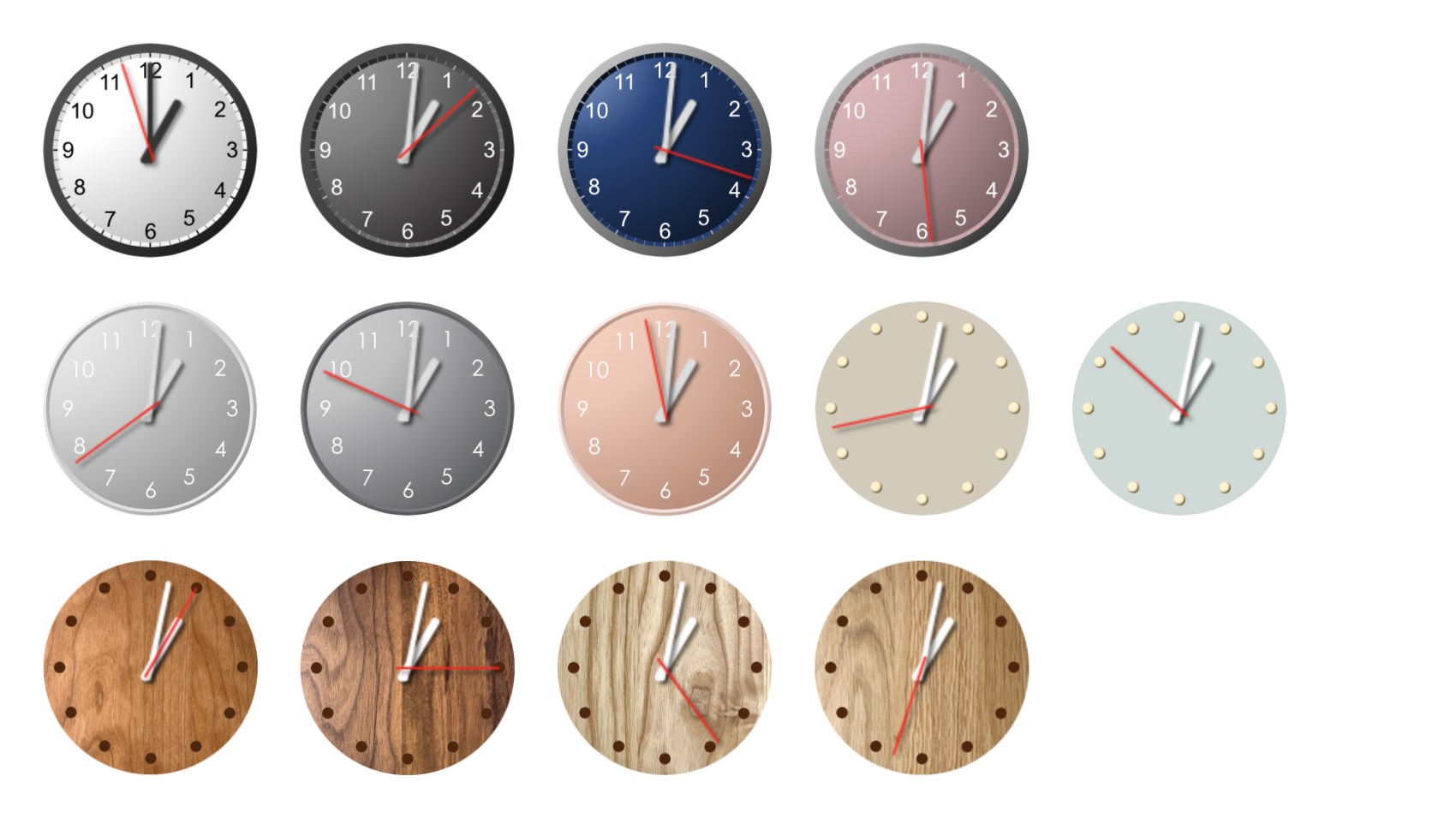
  • Four Simple faces: Light, Dark, Navy and Pink
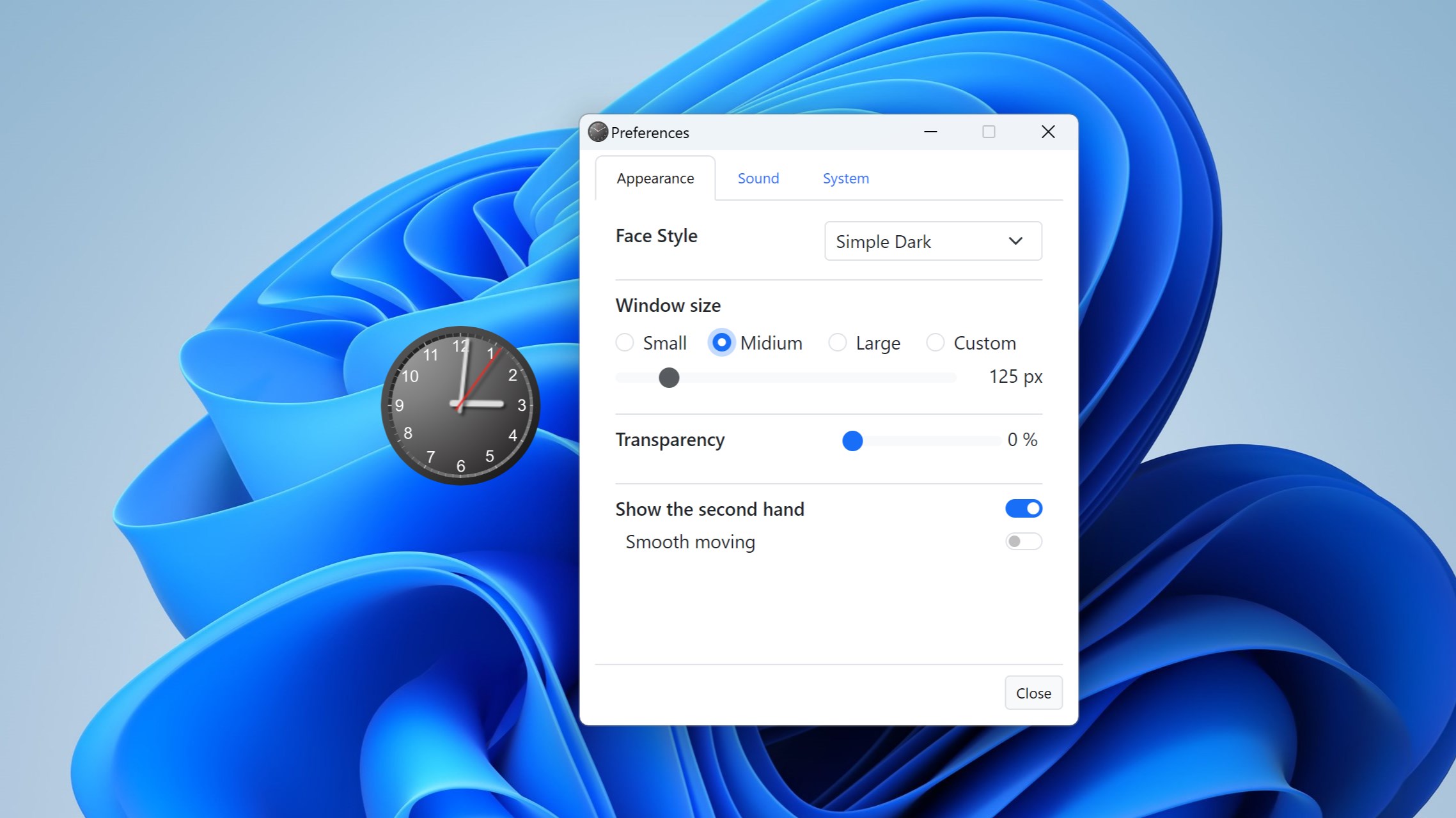
  • Transparency from 0% to 90%
  • Show / hide second hand toggle
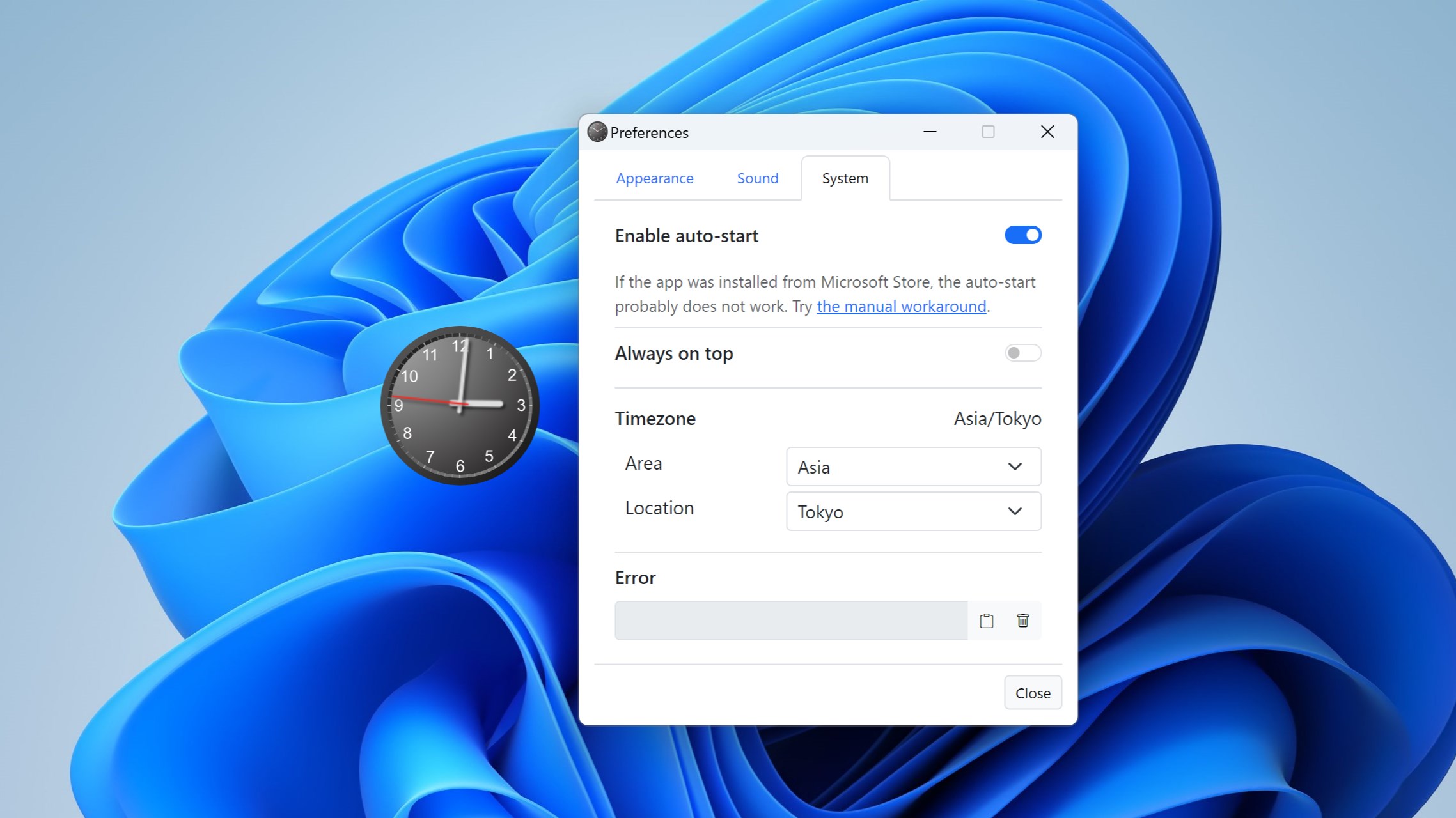
  • Pinned to desktop, always on top or normal
  • Starts with Windows and remembers its position
  • Nine display languages and dark mode
  • Up to 8 clocks, each in its own time zone
  • Nine more faces: Nest, Woody and Pastel
  • Any size from 64 to 512 pixels
  • Smoothly sweeping second hand
  • Date and place name on the dial
  • Hourly chimes with seven sounds
Get Lite Free

Pro is a separate app with its own page in the Microsoft Store, not an in-app purchase or an upgrade: buying it does not change Lite. Once Pro is installed, you can quit and uninstall Lite.

Pro Exclusive Features

What Pro Adds

A World Clock on Your Desktop

Place up to eight clocks, each with its own face, size, transparency and time zone, chosen from 400+ zones or UTC. Label a clock Tokyo or New York yourself, or let the app name it from the time zone.

13 Original Faces

Four collections drawn for this app: crisp Simple dials in Light, Dark, Navy and Pink, soft Nest in Snow, Sand and Charcoal, warm Woody wood grain in Black Cherry, Walnut, White Ash and White Oak, and gentle Pastel in Greige and Bluegray.

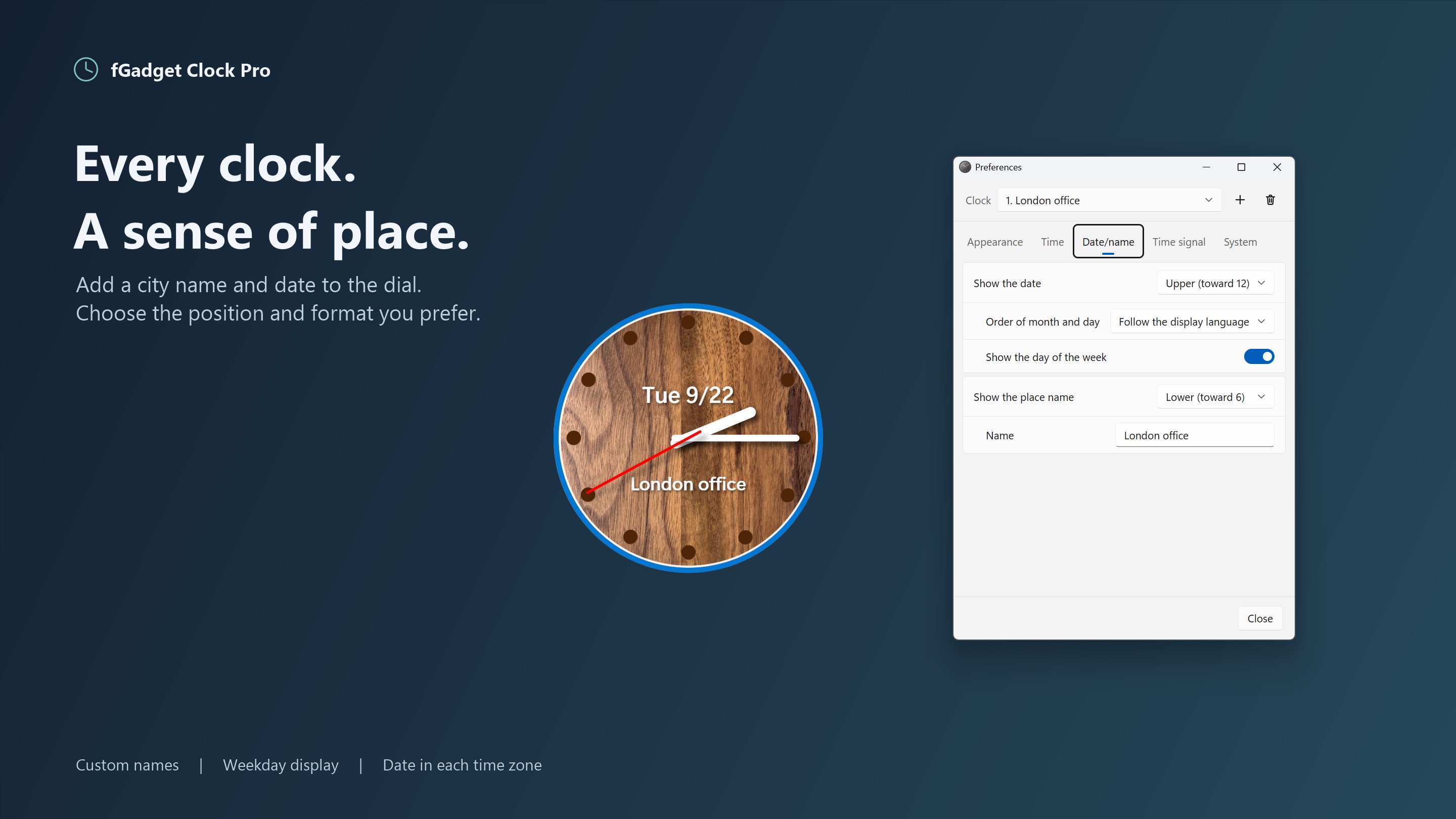
Date and Place on the Dial

Show the date above or below the center, with or without the day of the week, in month/day or day/month order, plus a place name of up to 16 characters. Both follow the clock's own time zone.

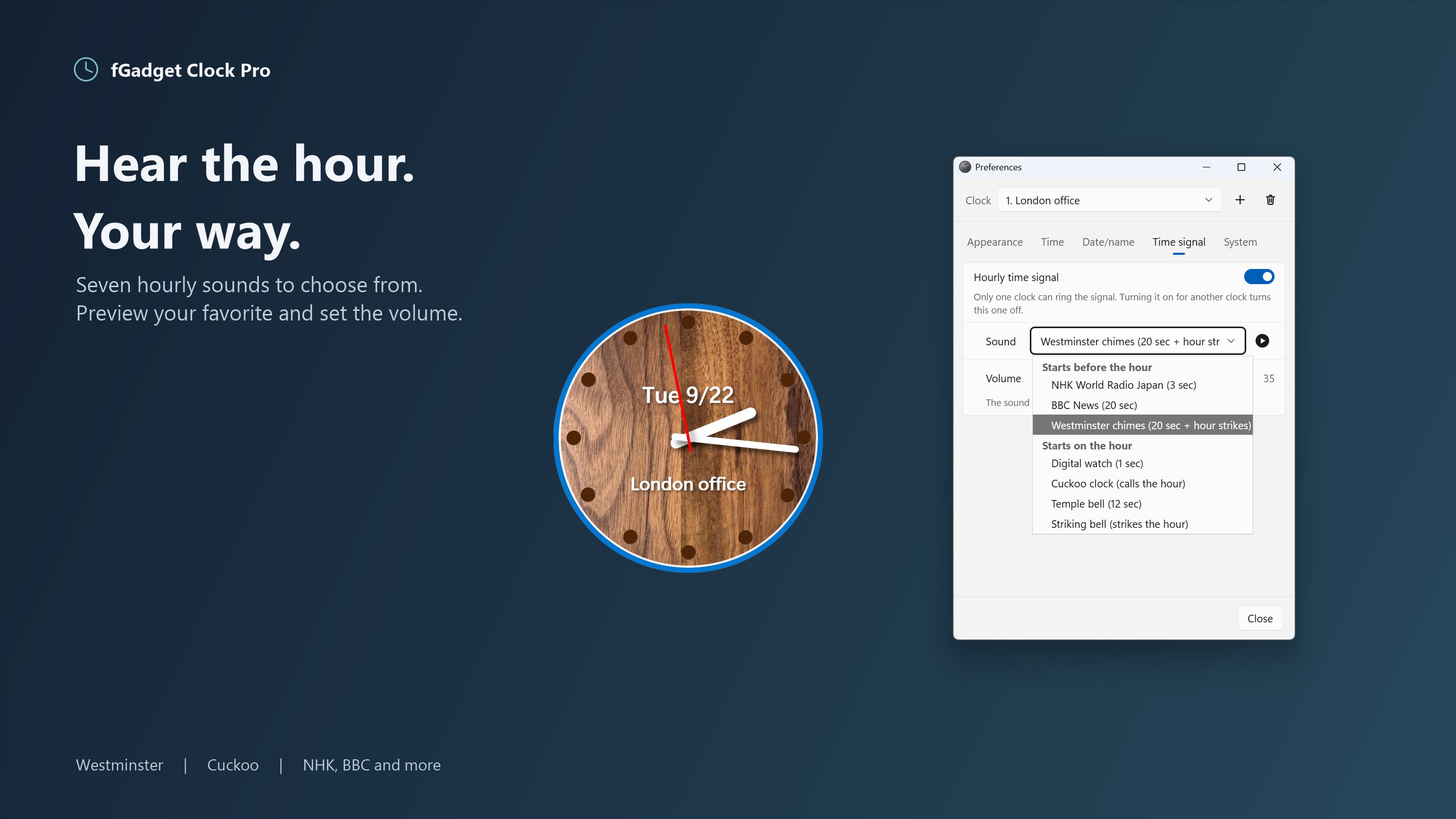
Hourly Chimes, Your Way

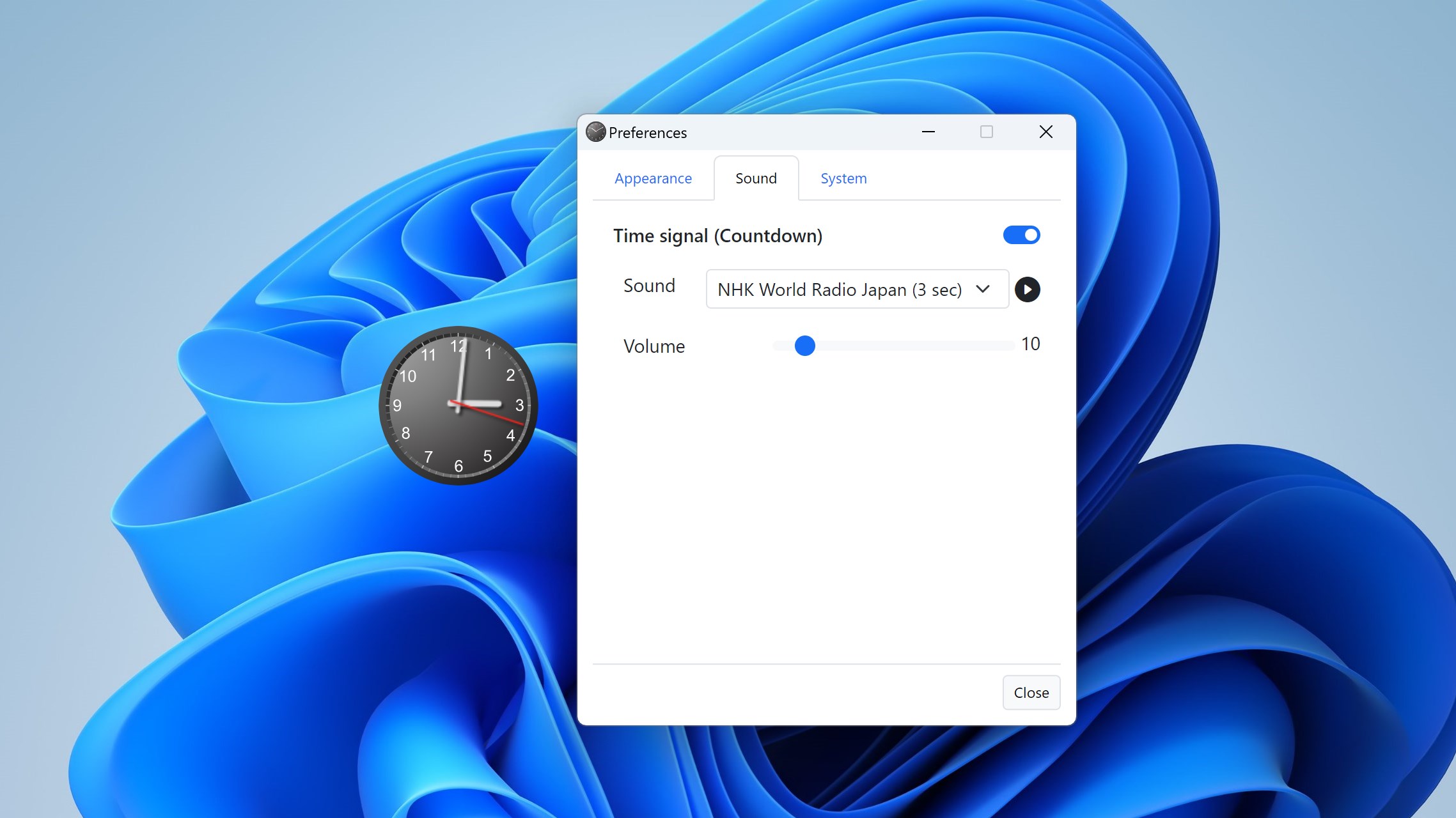
Seven time signals, each with a preview: the NHK and BBC countdowns, Westminster chimes with the hour strikes, a cuckoo clock, a striking bell, a temple bell and a digital watch beep. The chime rings on the hour in its clock's time zone.

Gallery

See It In Action

Eight fGadget Clock Pro clocks in eight time zones, each with its date and place name
The four Woody faces: Black Cherry, Walnut, White Ash and White Oak
The Nest and Pastel faces in soft, muted colors
The four Simple faces: Light, Dark, Navy and Pink
Preferences for face, size, transparency and window layer beside a Walnut clock
Date and place name settings for a clock labeled London office
Hourly time signal settings with the seven sounds

Get Started Today

Download from Microsoft Store

Supported OS: Windows 10 version 17763.0 or later, Windows 11
UI Languages: English, Japanese, Simplified Chinese, Traditional Chinese, Korean, Spanish, German, French, Portuguese
Architecture: x64 | Publisher: futomi Co., Ltd.
Privacy: 100% Local Execution, Zero Data Collection