fGadget Calendar Icon
Windows 11 / 10 100% Ad-Free One-Time Purchase

Desktop Productivity Gadget

fGadget Calendar

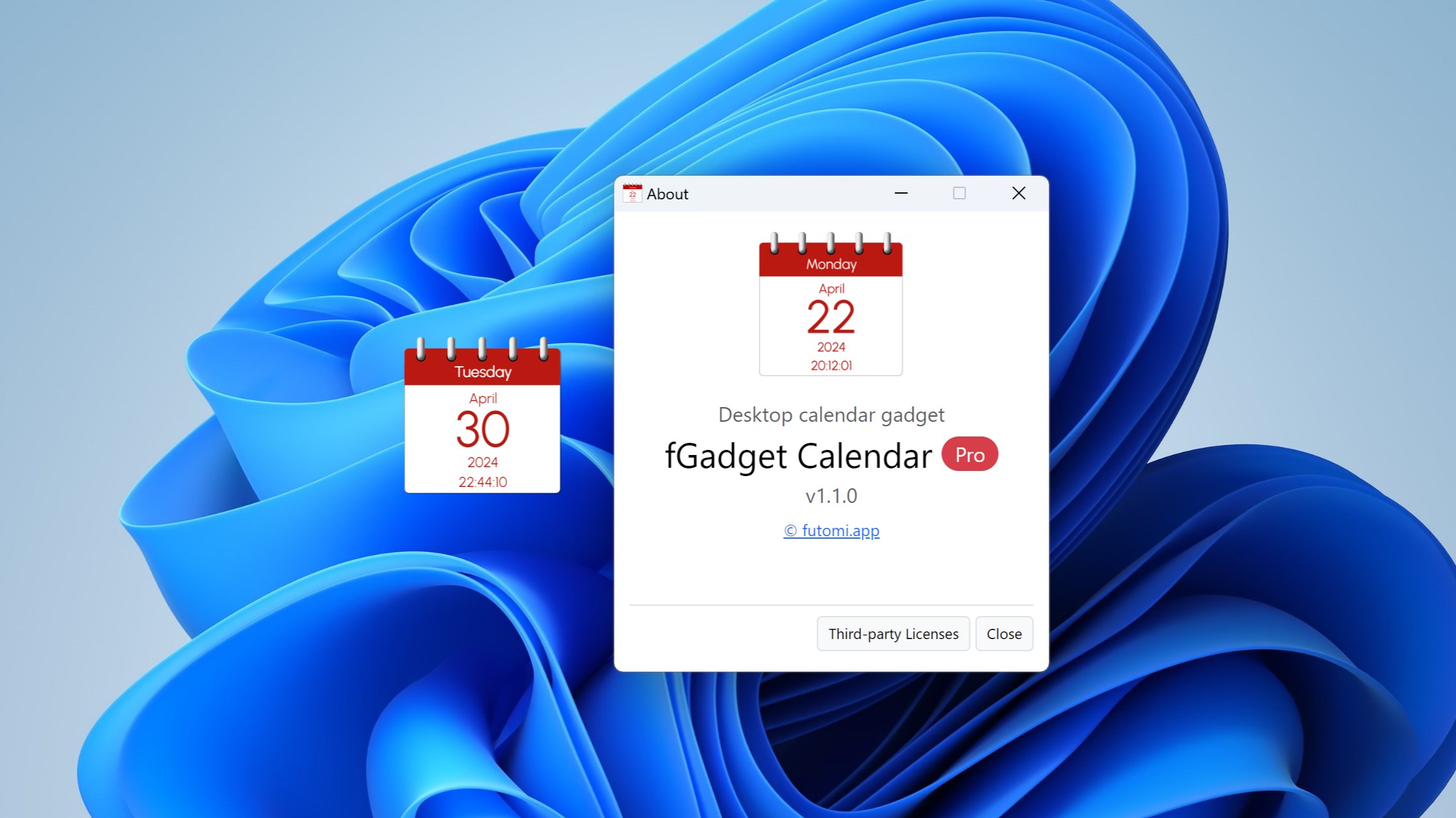
The classic desktop calendar gadget, back on Windows 11 and 10. Today's day of the week, month, date and year in large, easy-to-read type, with an optional digital clock. Pro places up to eight calendars, each with its own design, language and time zone.

No Subscription Lightweight & Fast Verified by Microsoft
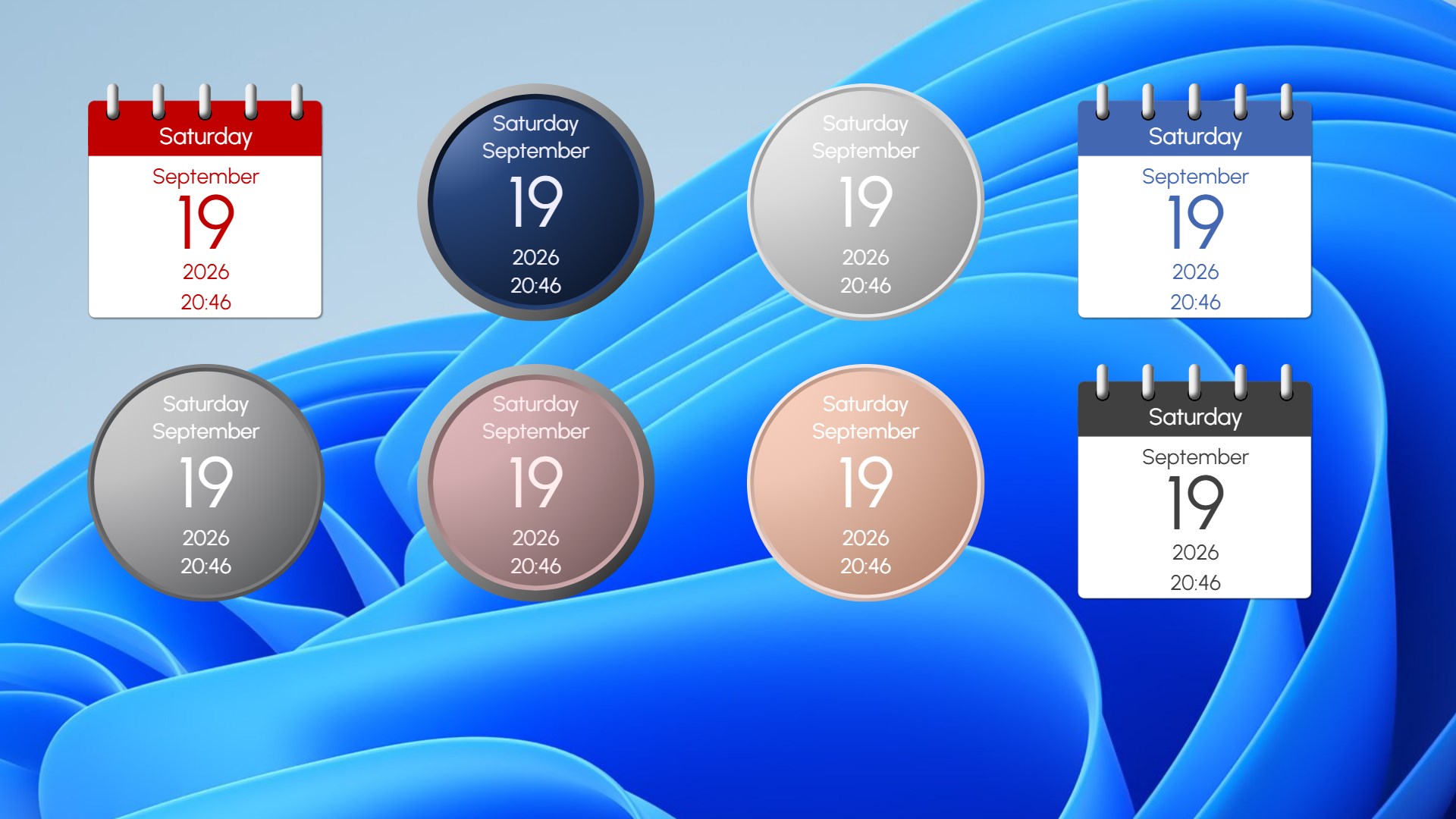
Eight fGadget Calendar Pro calendars in different designs on the desktop

Why fGadget Calendar

Bring Elegance Back to Your Desktop

There is nothing to open and nothing to click. Just look. The calendar updates by itself, even at midnight, and comes back where you left it every time you sign in to Windows.

Today at a Glance

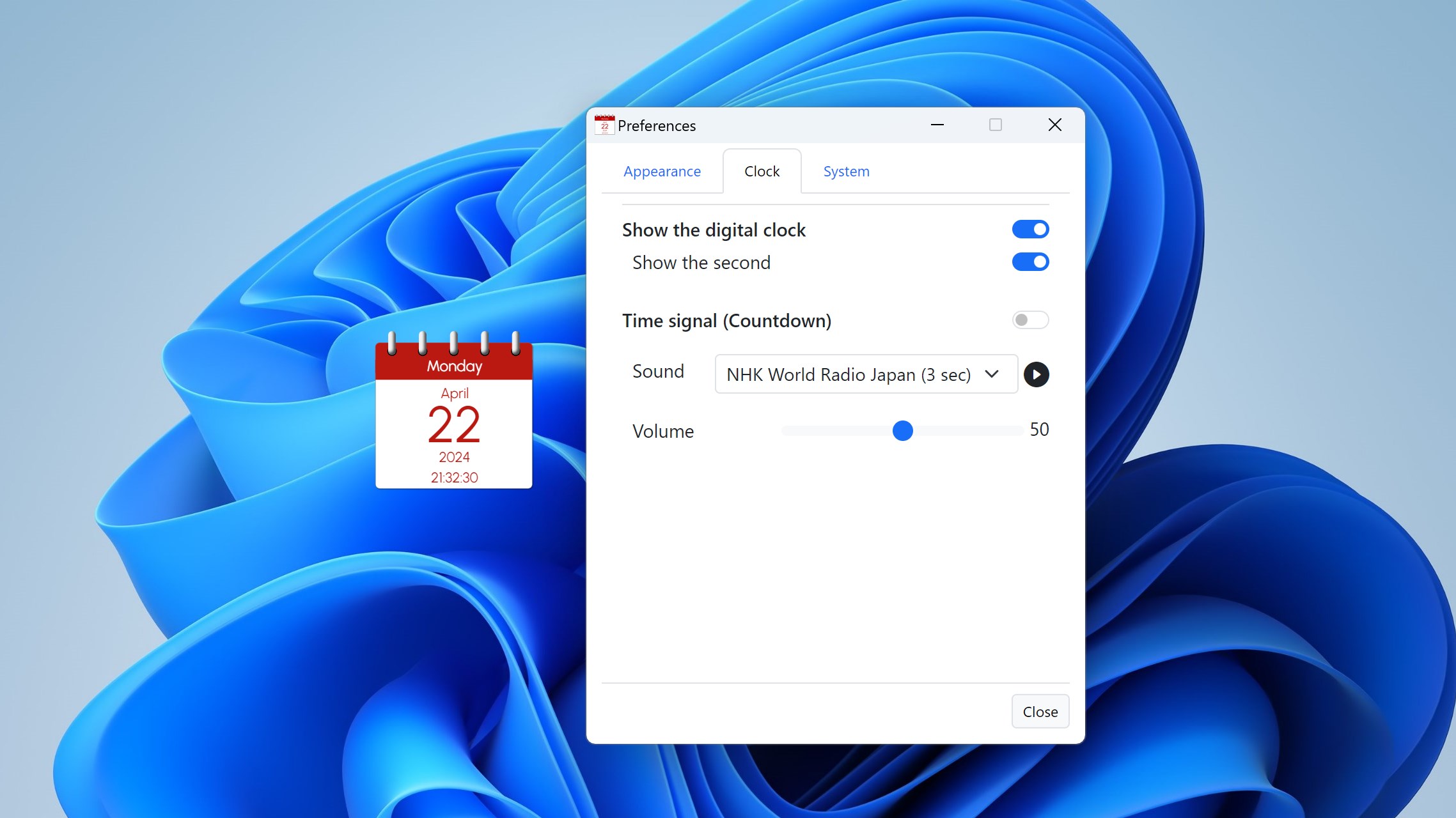
The day of the week, month, date and year, with an optional digital clock in 12- or 24-hour time, with or without seconds.

Always on Top

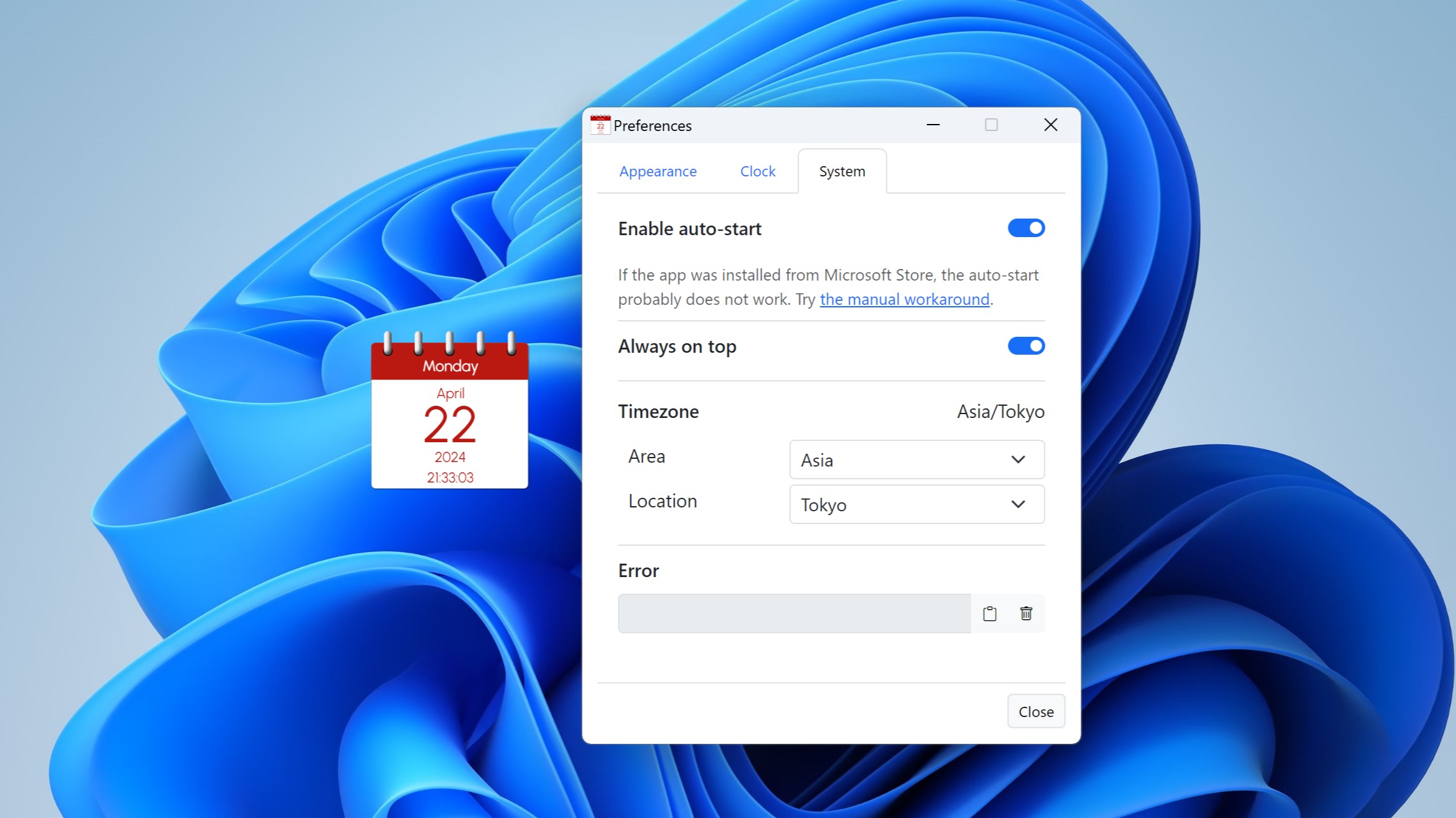
Keep the widget visible above all open windows or let it rest quietly on your desktop wallpaper.

Speaks Your Language

Nine display languages, picked from your Windows display language on first launch, and a Windows 11-style Preferences window that follows light and dark mode.

Choose Your Edition

Lite vs. Pro Edition

Lite is a free calendar with seven designs. Pro is a separate app with up to eight calendars, 10 designs, 26 calendar languages, time zones and hourly chimes.

Lite Edition

Essential desktop calendar for everyday use

Free forever
  • Day of the week, month, date and year at a glance
  • Optional digital clock in 12- or 24-hour time
  • Seven designs: Paper and Simple
  • Transparency from 0% to 90%
  • U.S. or U.K. date order
  • Always-on-top window toggle
  • Starts with Windows and remembers its position
  • Nine display languages and dark mode
  • Up to 8 calendars, each with its own time zone
  • 25 more calendar languages
  • Three metallic Nest designs
  • Any size from 64 to 512 pixels
  • Hourly time signal with seven sounds
Get Lite Free

Pro is a separate app with its own page in the Microsoft Store, not an in-app purchase or an upgrade: buying it does not change Lite. Once Pro is installed, you can quit and uninstall Lite.

Pro Exclusive Features

What Pro Adds

Global Timezone Support

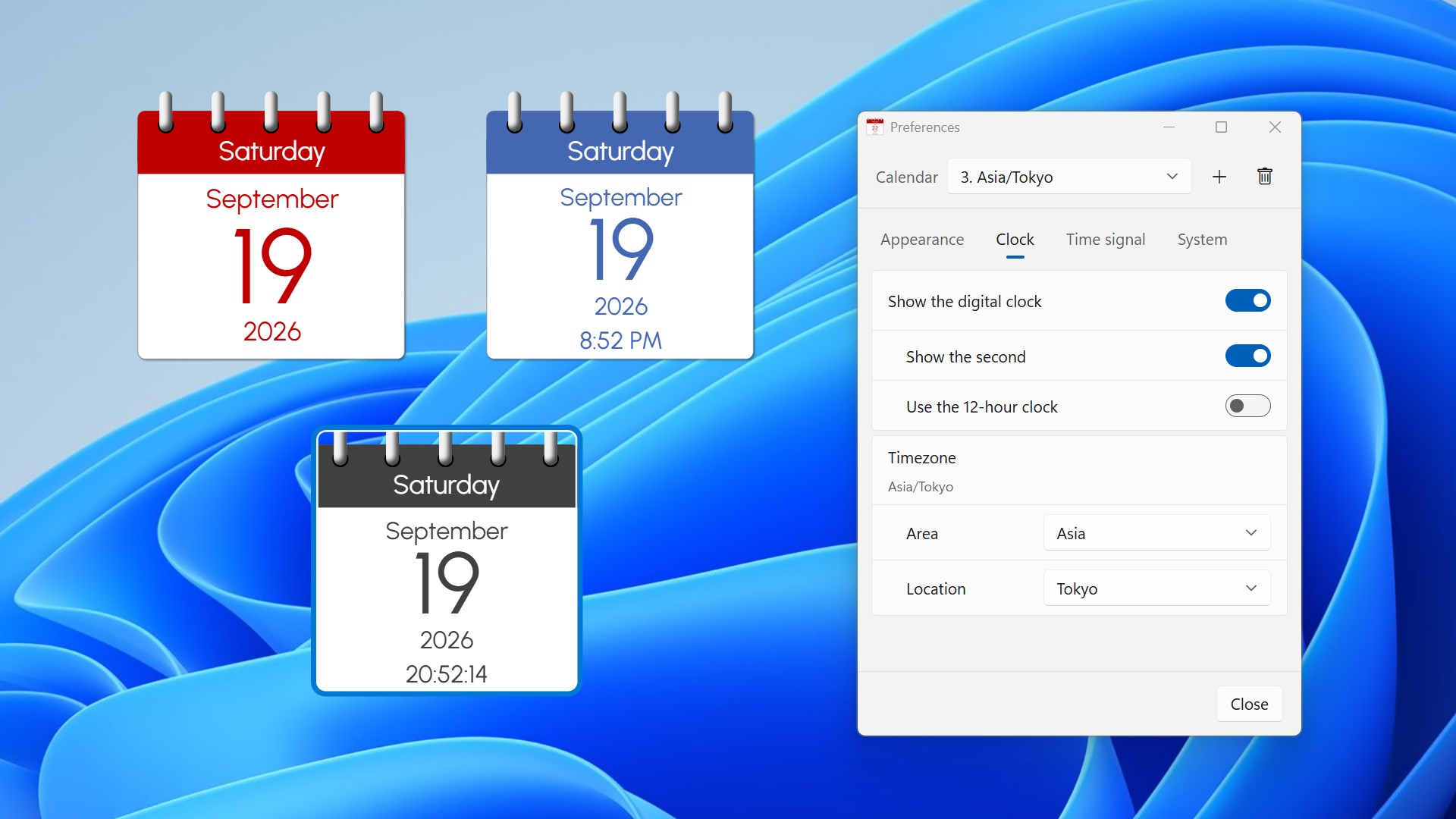
Keep your own date next to Tokyo, New York and London, side by side. Each calendar has its own time zone, so you can read another city's date and time at a glance before you call.

26 Calendar Languages

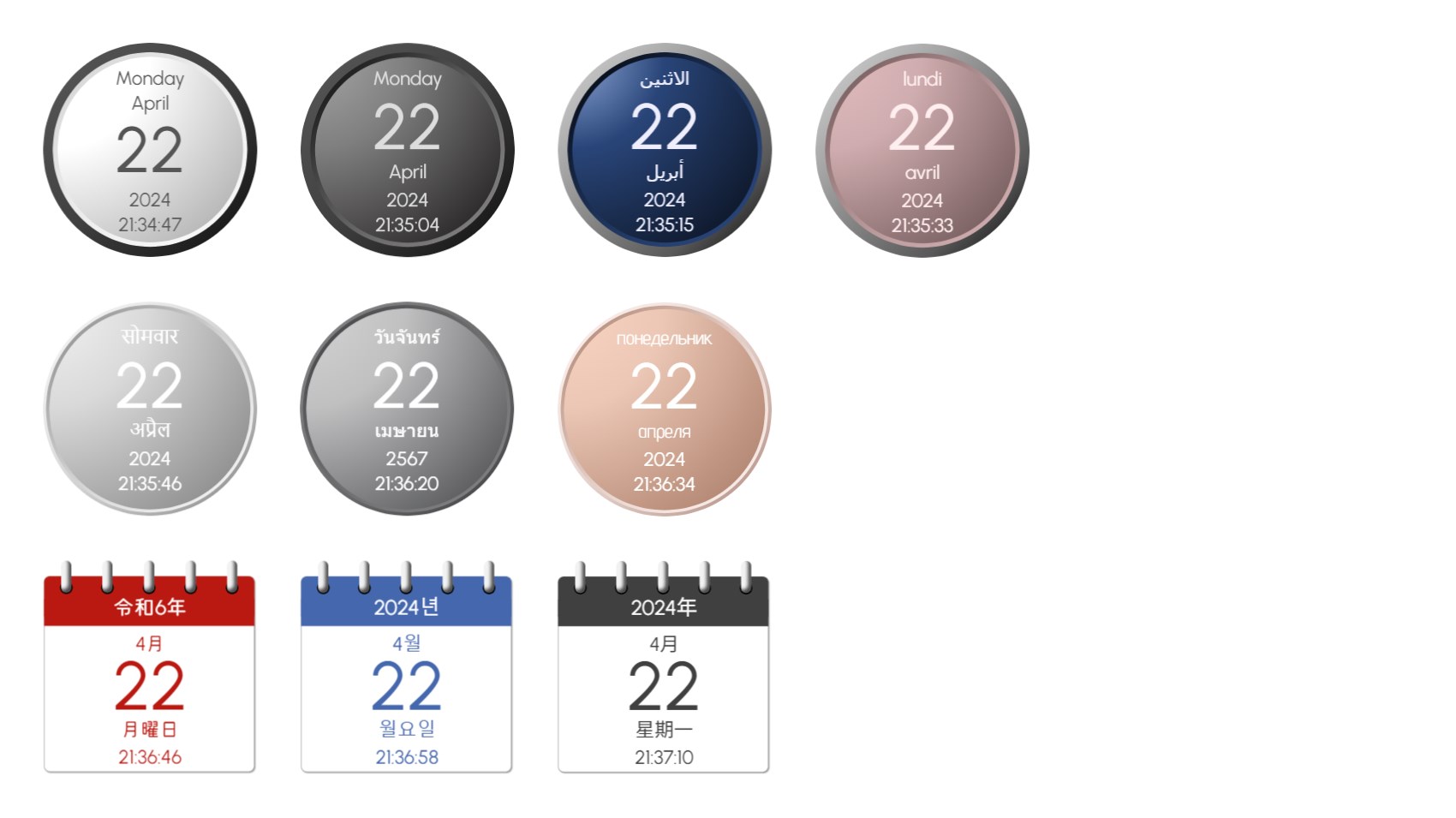
Arabic, Chinese, English (U.S. and U.K.), French, German, Hindi, Japanese, Korean, Russian, Spanish, Thai, Vietnamese and more, with the Japanese era name such as Reiwa. Each calendar can use a different language.

10 Designs, Any Size

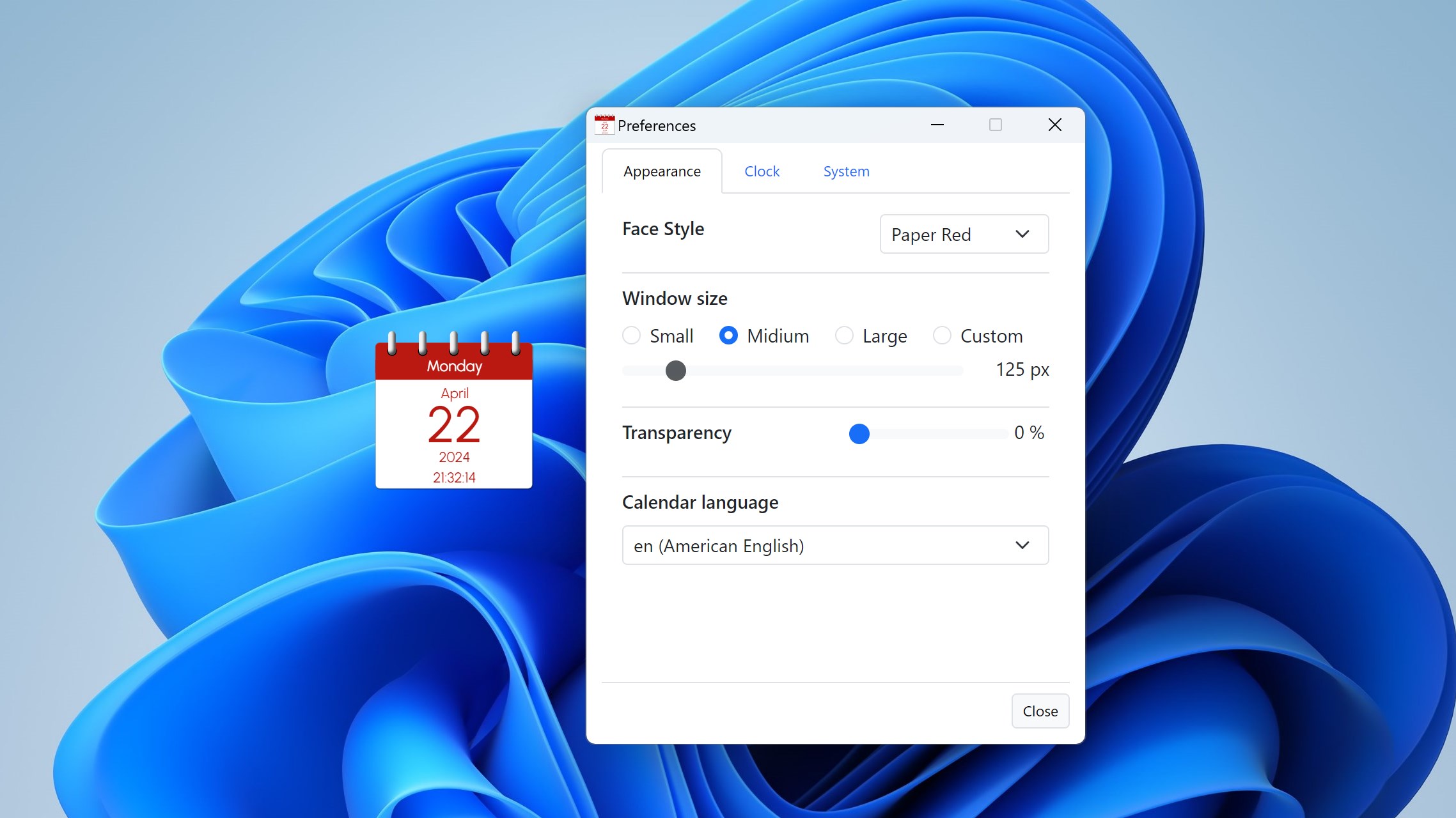
Ring-bound Paper, clean round Simple and metallic round Nest designs. Choose Small, Medium or Large, or set any size from 64 to 512 pixels.

Time Signals & Chimes

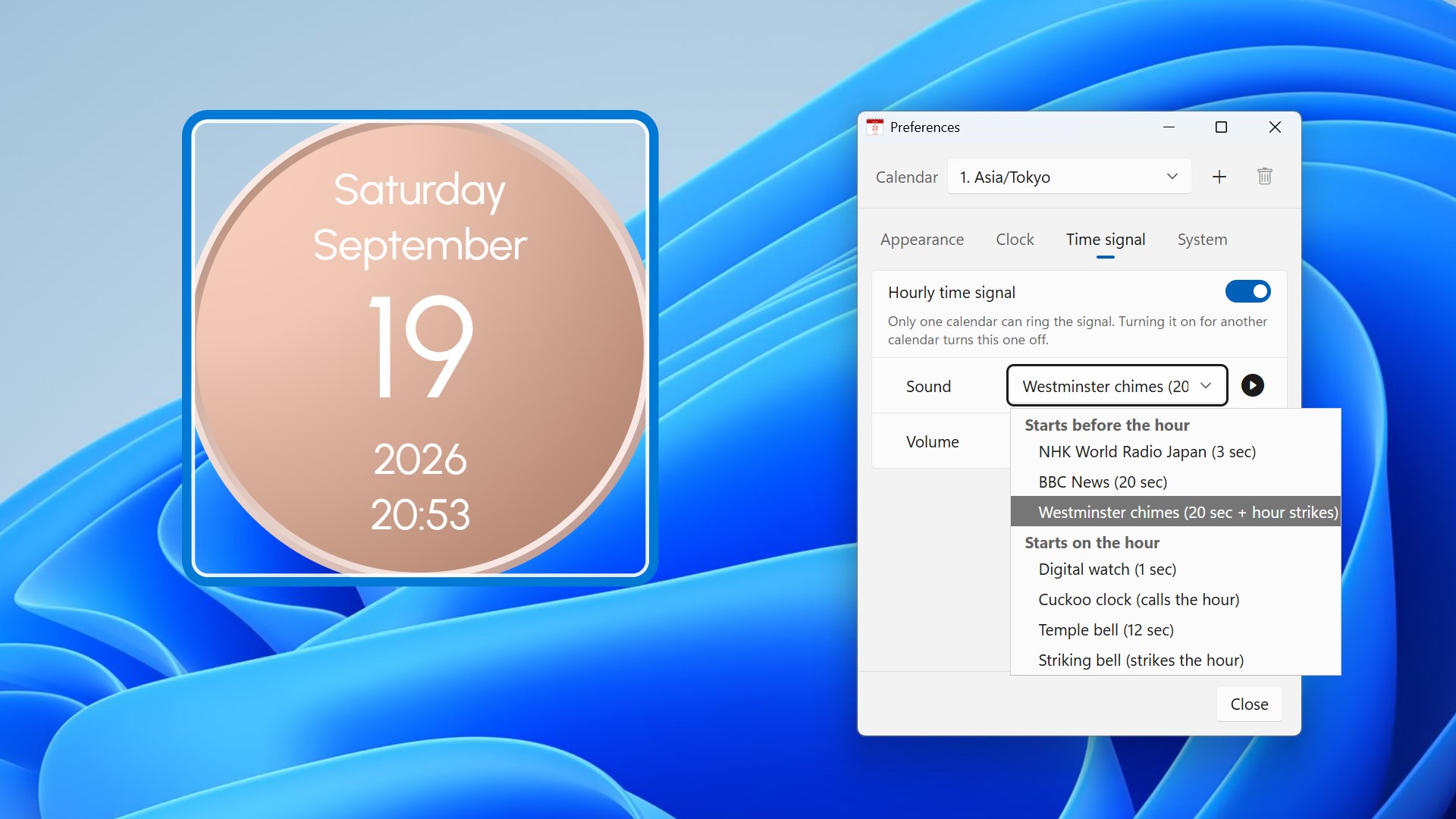
Seven sounds, so you notice the hour even when you are looking elsewhere. A cuckoo clock and a striking bell sound the hour so you can count it, and Westminster chimes end exactly on the hour.

Gallery

See It In Action

Tokyo, London and New York calendars side by side, each in its own time zone
Choosing one of the 10 designs in Preferences
Calendars in Japanese with the Reiwa era, Chinese, Korean, Arabic and Hindi
Paper Red calendars in four sizes, from small to large
Simple Navy calendars at 0%, 30% and 60% transparency
Calendars with no clock, a 12-hour clock and a clock with seconds, beside the Clock settings
Hourly time signal settings with the seven sounds

Get Started Today

Download from Microsoft Store

Supported OS: Windows 10 version 17763.0 or later, Windows 11
UI Languages: English, Japanese, Simplified Chinese, Traditional Chinese, Korean, Spanish, German, French, Portuguese
Calendar Display: 26 languages in Pro, English in Lite
Architecture: x64 | Publisher: futomi Co., Ltd.
Privacy: 100% Local Execution, Zero Data Collection